
The Desk
mako Desk, the operator's web UI: open a process by its business key, see every Frist in Berlin time, work one market role at a time — on the same typed MCP tools the agents use.
On this page 12 sections
mako Desk is the operator's work surface. It reads the services' MCP tools — the same typed read surface the agents are granted — and renders what they answer. It computes nothing that decides: every Frist, amount and verdict on screen is the one a service returned.
Run it
just deskstarts makod and the Desk with hot reload, and opens http://localhost:5173.
In production the Desk is the mako-desk image — the static bundle on port
8080 — behind oauth2-proxy as
the gateway. The browser talks to one origin and holds no service token: the
gateway signs the person in by OIDC, serves the Desk, and forwards
/svc/<service>/ to makod, processd, vertragd and agentd with the person's
access token as Authorization: Bearer. desk/deploy/gateway.yaml is the
gateway's routing, ready to adapt.
Each service verifies that token as it does any other, so its
[oidc] audience must be in the token's aud — an audience mapper at the
identity provider, or one audience shared by all four. Cedar decides what the
person may do; the Desk keeps no role map. Its CSP allows the bundle's own
script and stylesheet only, plus a per-request nonce for the styles React
Aria injects.
A process, by its business key
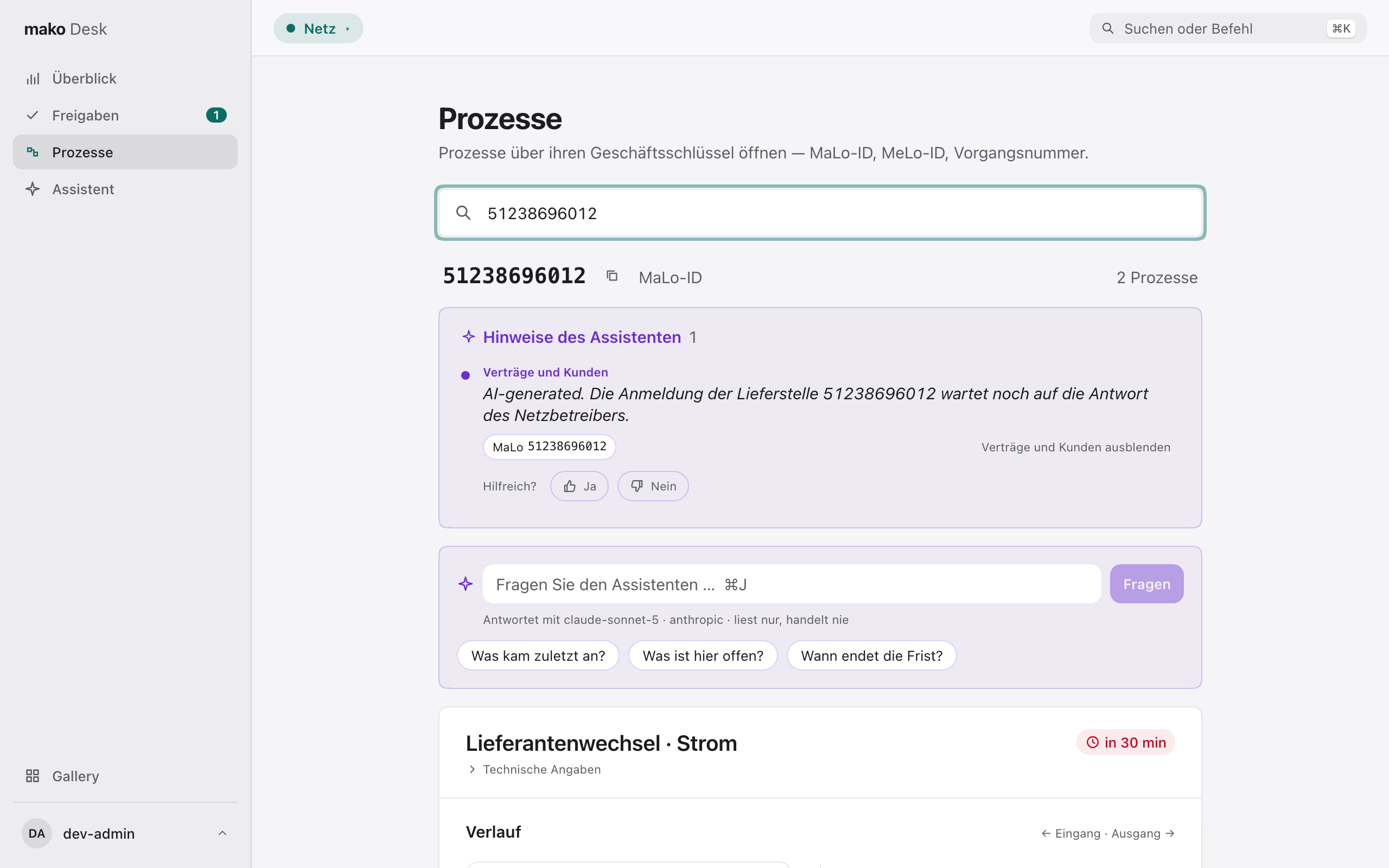
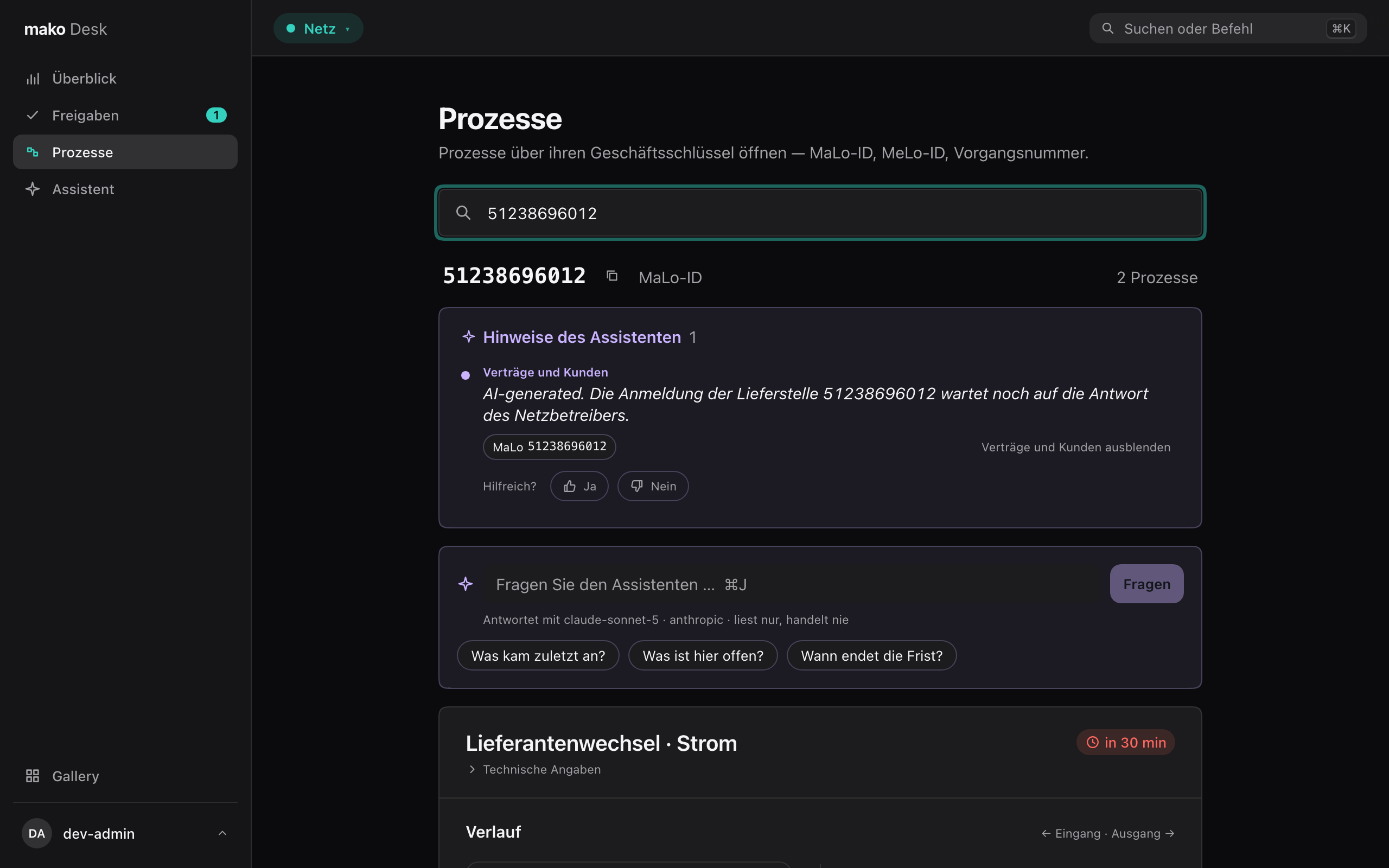
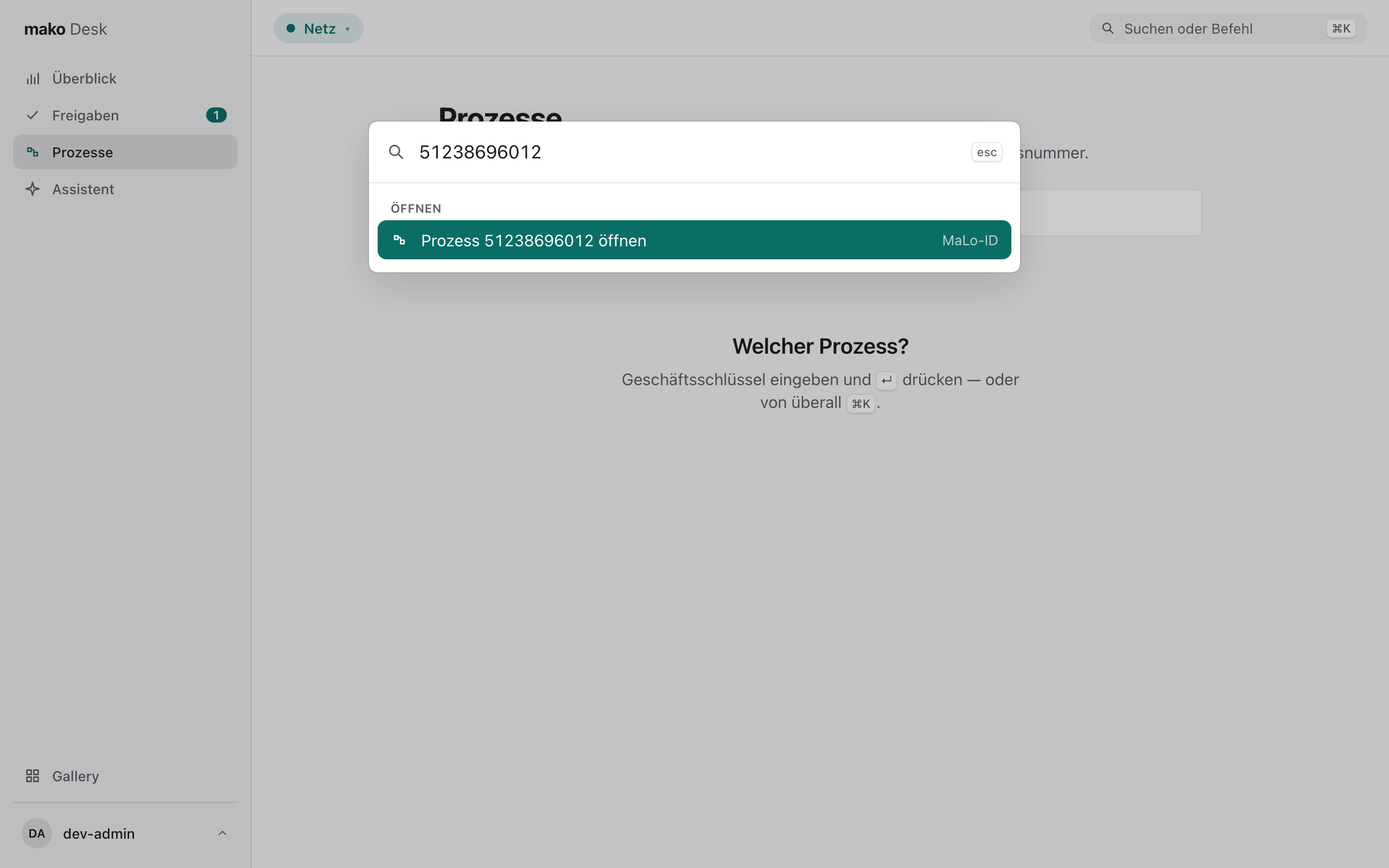
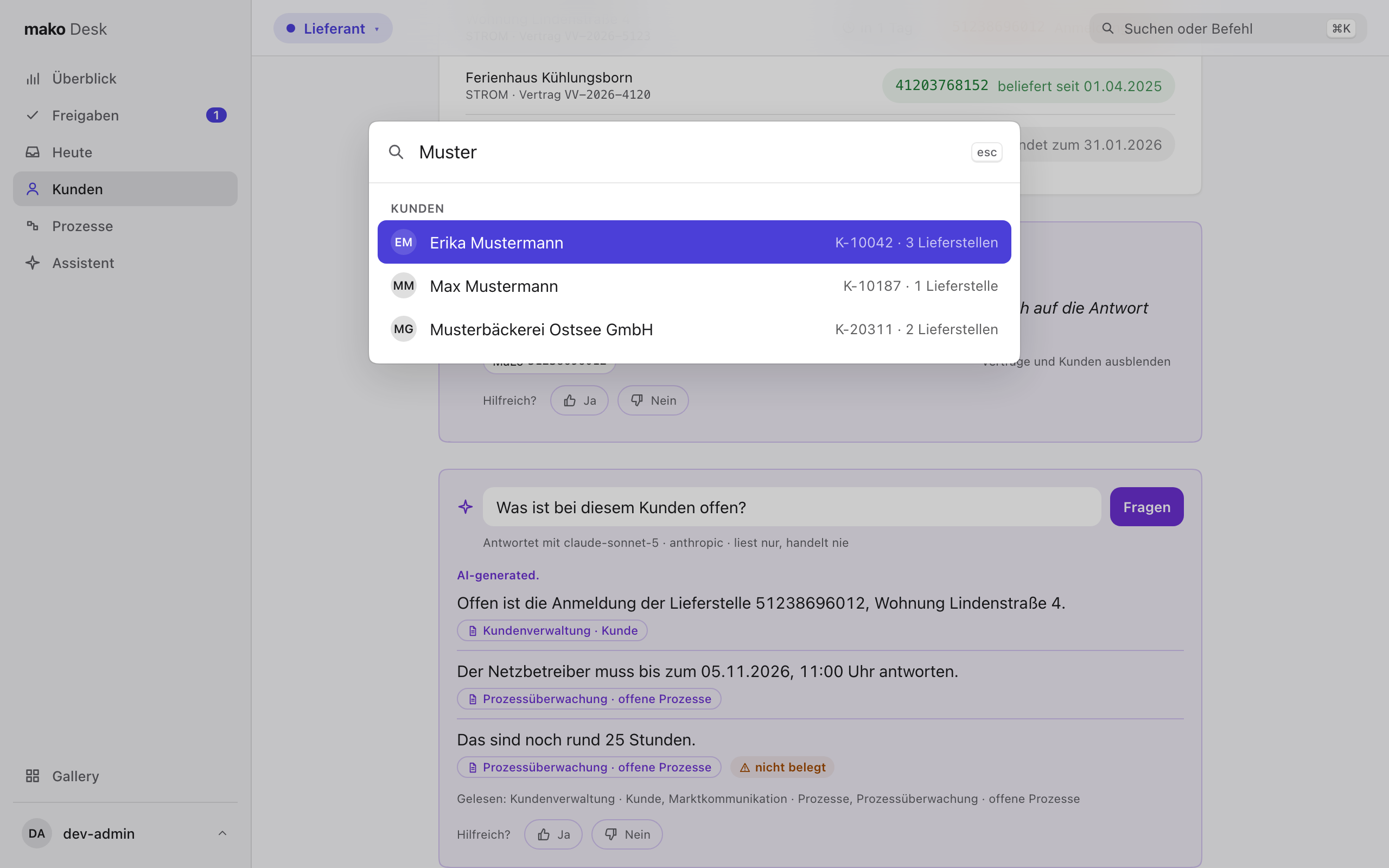
Type a MaLo-ID, MeLo-ID or Vorgangsnummer on Prozesse, or anywhere press ⌘K and type it: the palette offers to open it directly.
A key can name several processes — a Lieferantenwechsel beside an Anfrage/Bestellung. Each is a card, ordered by its earliest pending Frist, leaving out any process the person's role may not read.
Each card is titled the way an operator says it — „Lieferantenwechsel · Strom" — with the workflow and its ids under „Technische Angaben".
Its Verlauf threads the market messages: received on the left, sent on the right, each with PID, Berlin time and document number, as the workflow recorded them. Steps between two messages fold into one quiet row („2 interne Schritte"). Pending Fristen close the thread, each named for what it is — an „Eingangsbestätigung (APERAK)", a „Syntaxquittung (CONTRL)" or a „Frist des Prozesses".
The Frist-Uhr says how far a deadline is: red inside two hours, amber inside a day, solid red once it has lapsed. The time beside it is Berlin time; hover or focus shows the instant in UTC as the wire carries it.
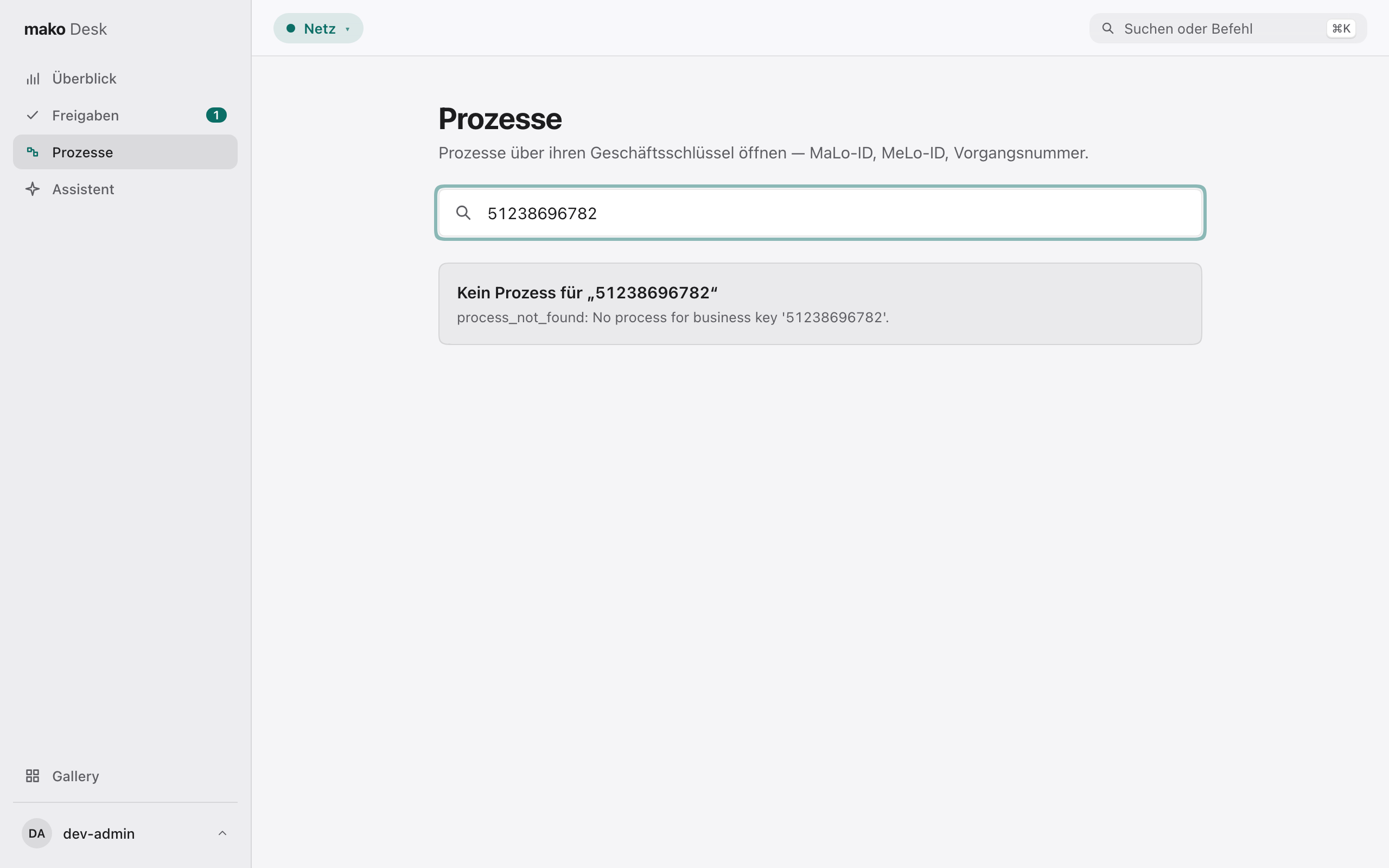
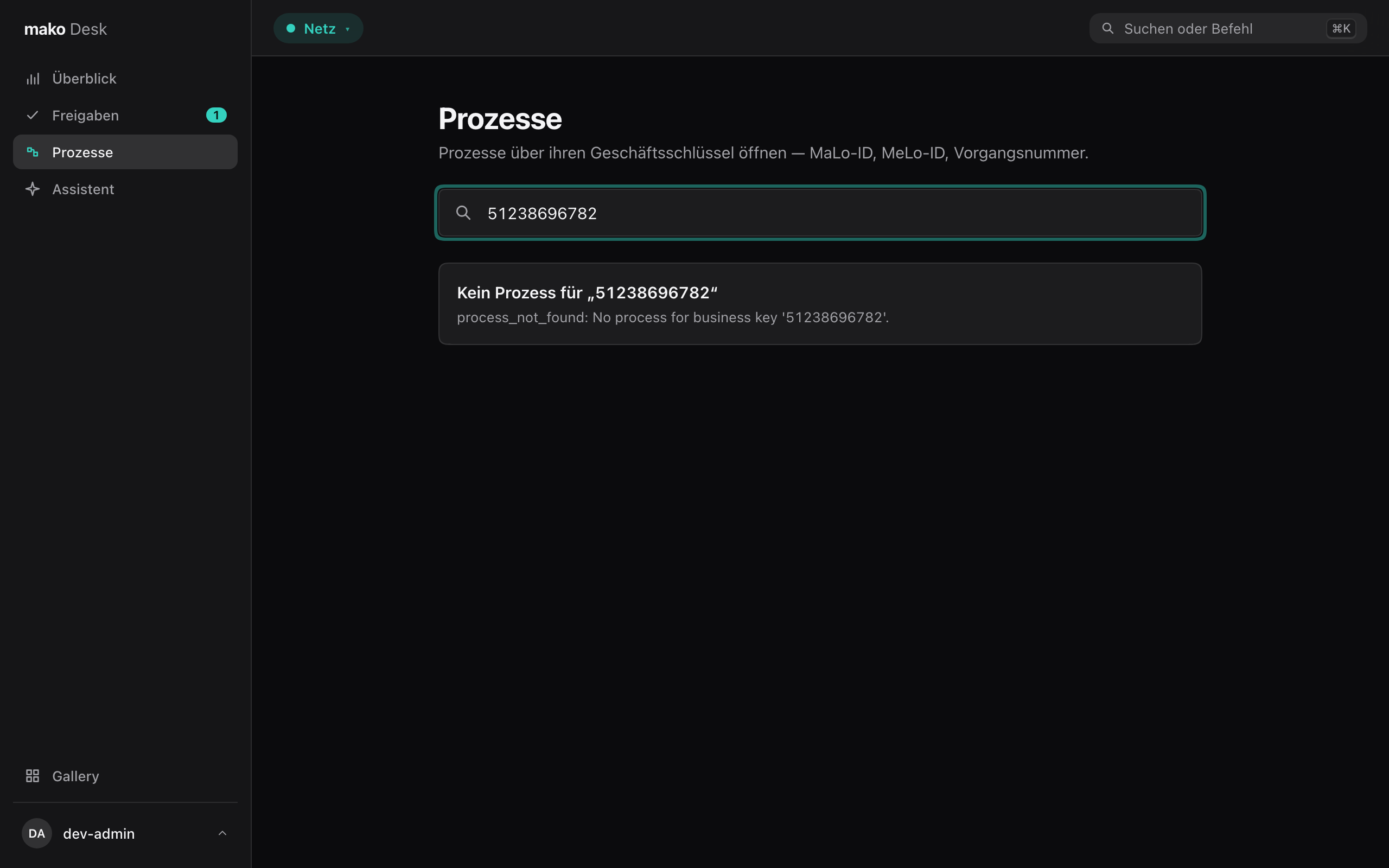
A key with no process gets the Marktkommunikation's own answer, said calmly:
Ask the assistant
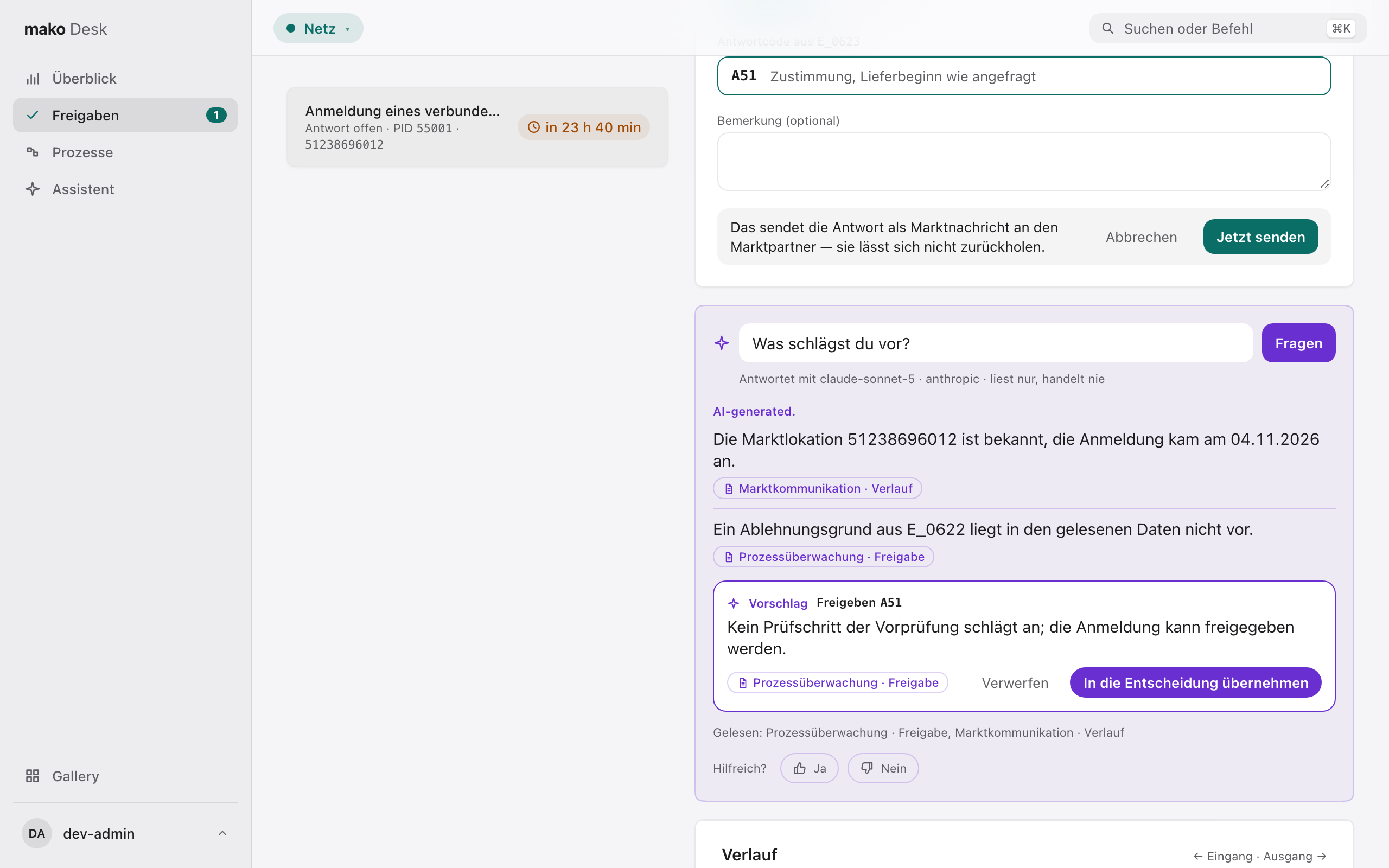
Under a customer, a MaLo's processes and a Freigabe, the Desk asks the assistant — type a question, take a suggestion, or press ⌘J. It reads the same services the screen does, names the model that answers, and ticks off each service as it reads it. The answer opens with „AI-generated."; the assistant reads and never acts.
It answers in at most five sentences, each with the read it rests on, and each checked before it is shown: every MaLo-ID, date, time and amount in it must appear in that read's answer. One that does not is marked nicht belegt — typically a figure the model worked out itself, such as „noch 25 Stunden". The check says the figures are in what it read, not that its reasoning is right.
If it finds no answer, „Nochmal fragen" asks again. When the assistant is not running, the panel is not shown and the rest of the Desk works as before.
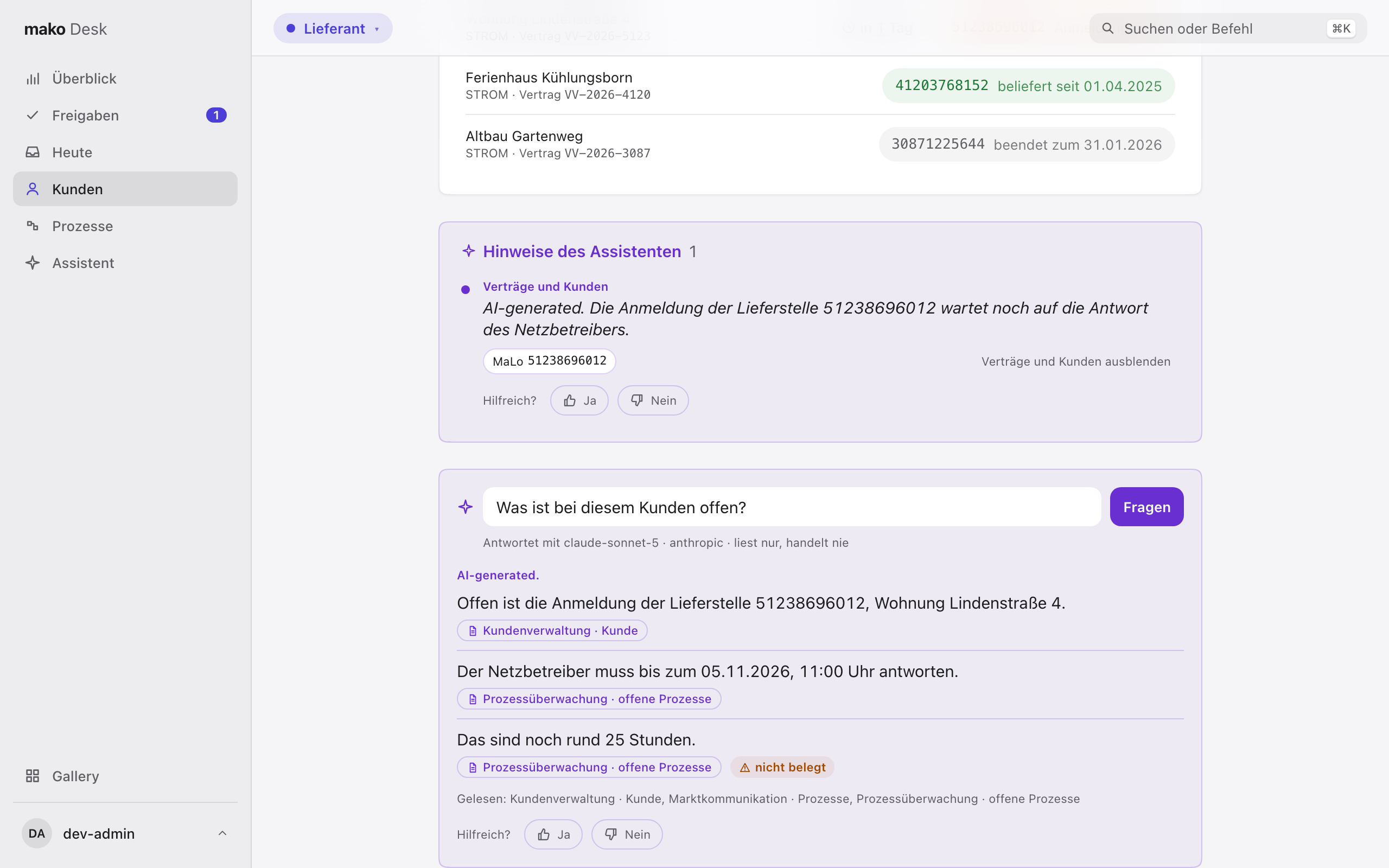
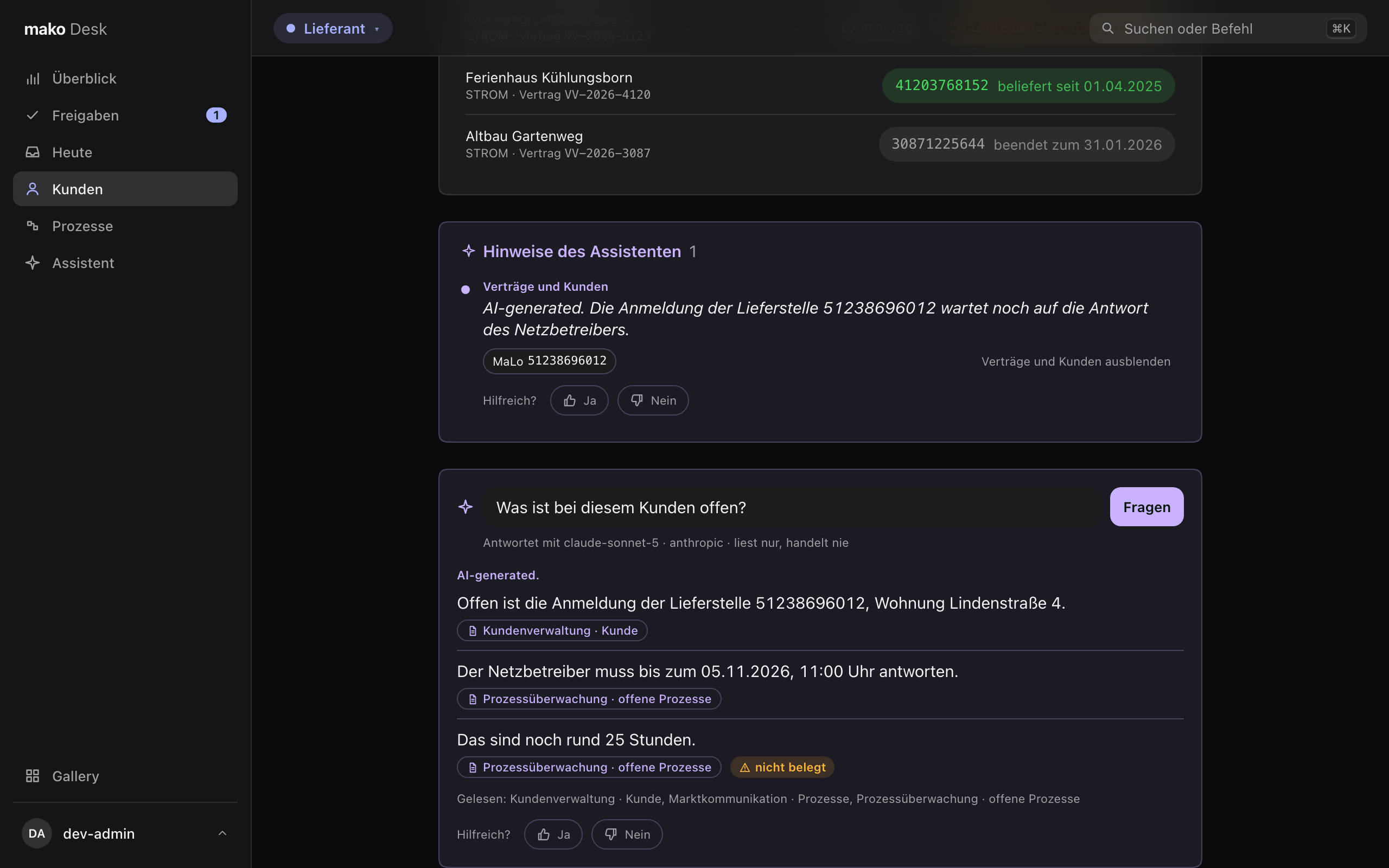
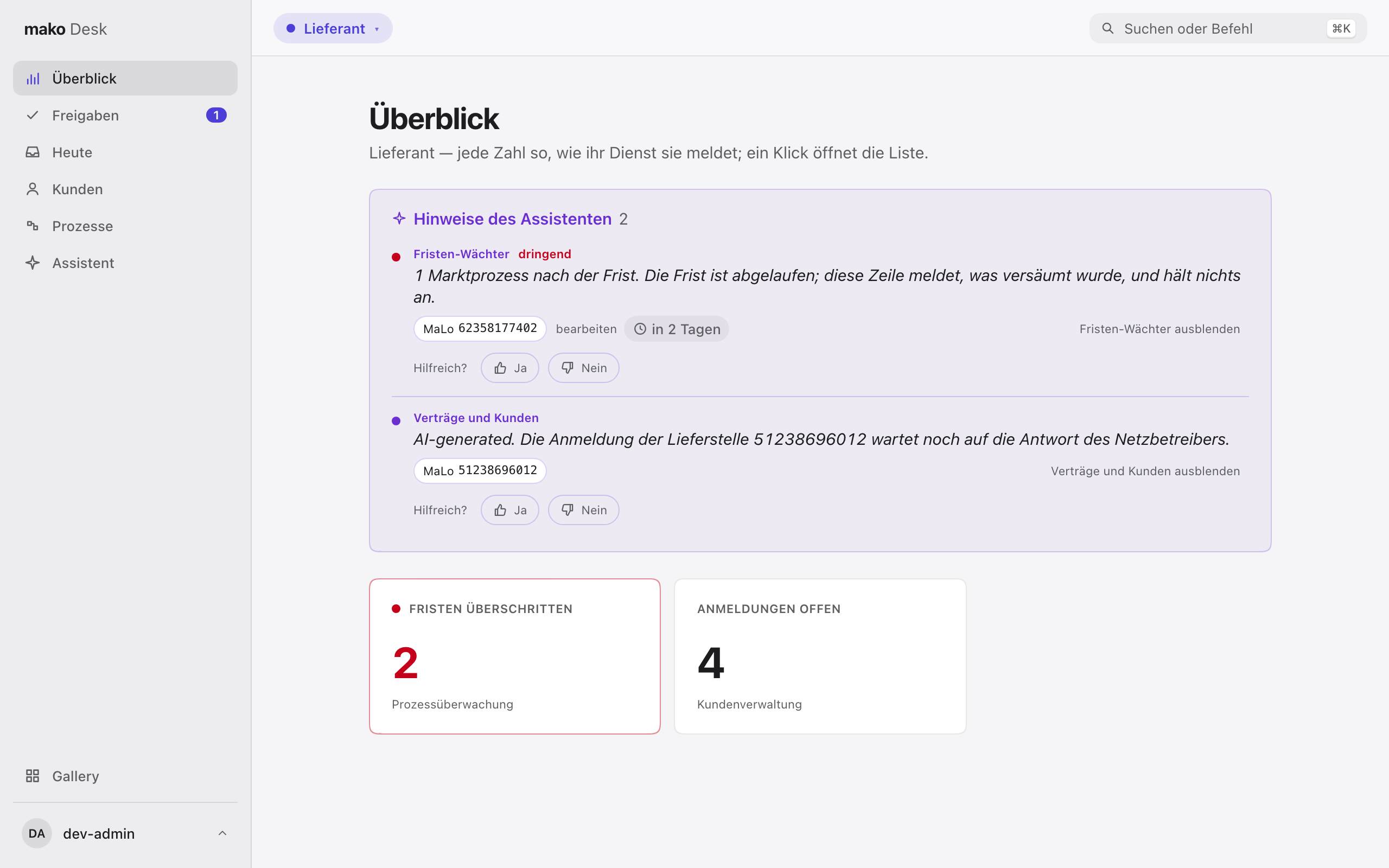
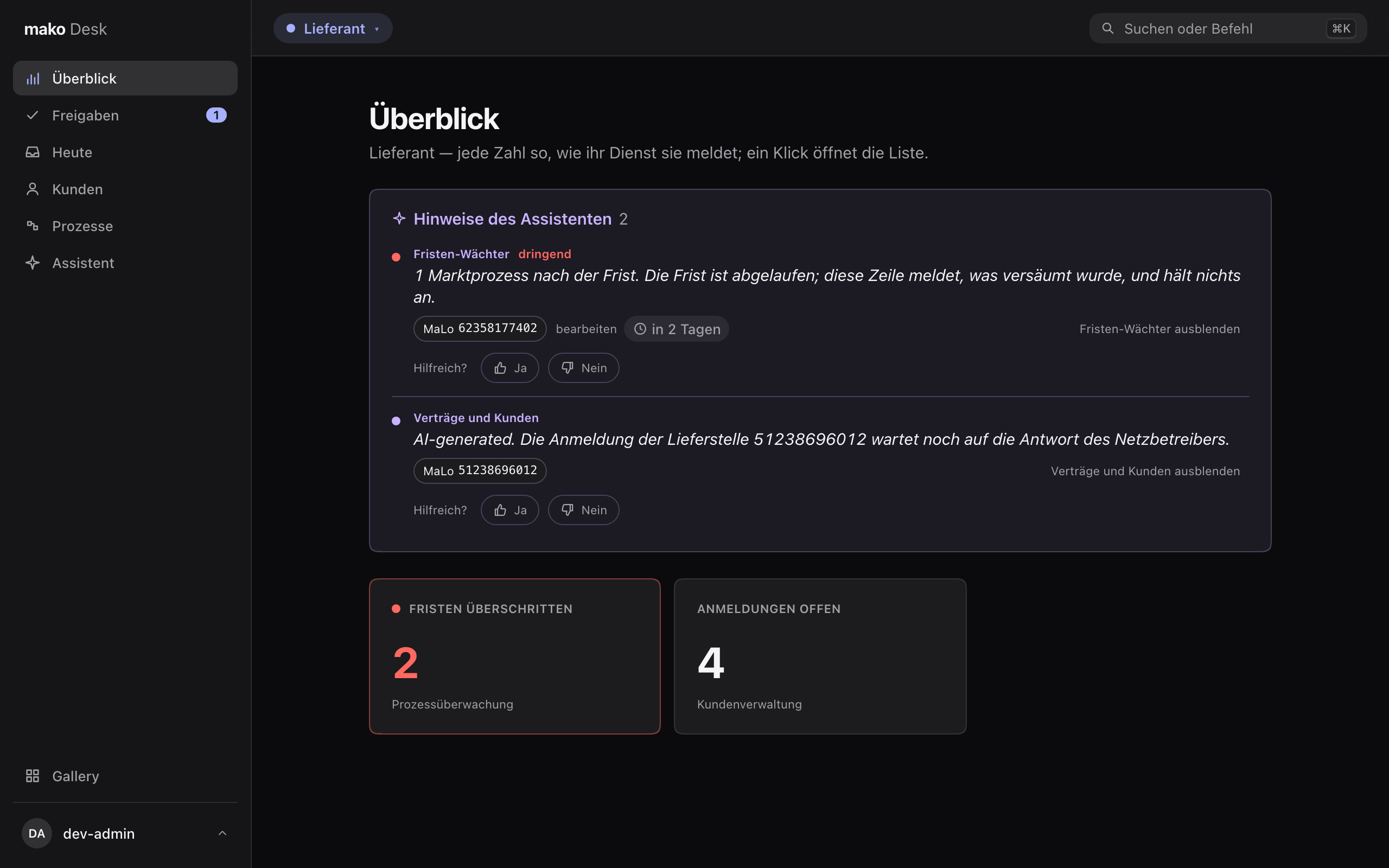
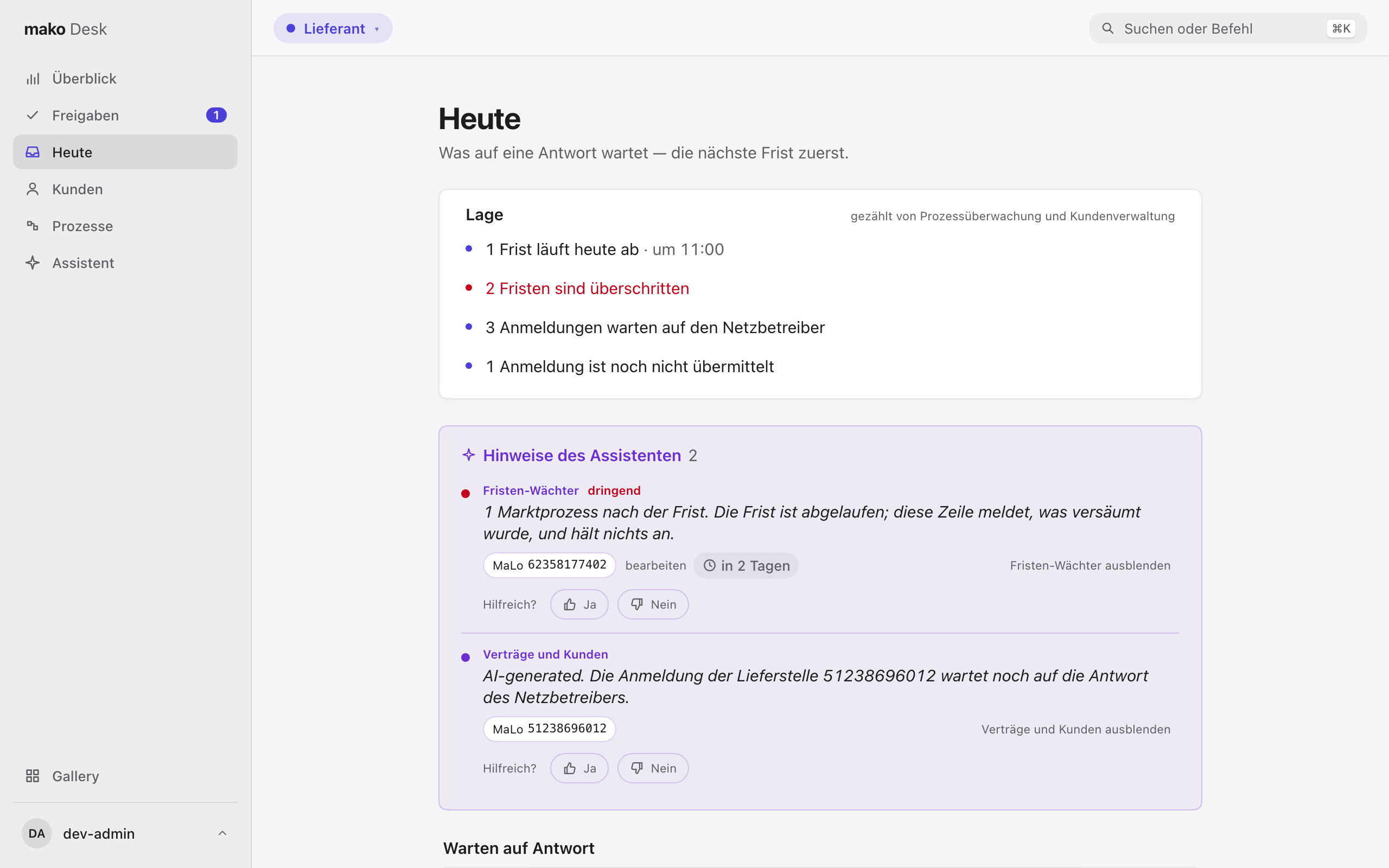
What a skill noticed on its own — a Frist that passed, an Anmeldung that stalled — arrives as a Hinweis: at the top of Heute and the Überblick, and under the customer or MaLo it concerns, in the skill's own words (a model-written one opens with „AI-generated."). A skill can be muted in one click and shown again in one; muting is this browser's and deletes nothing.
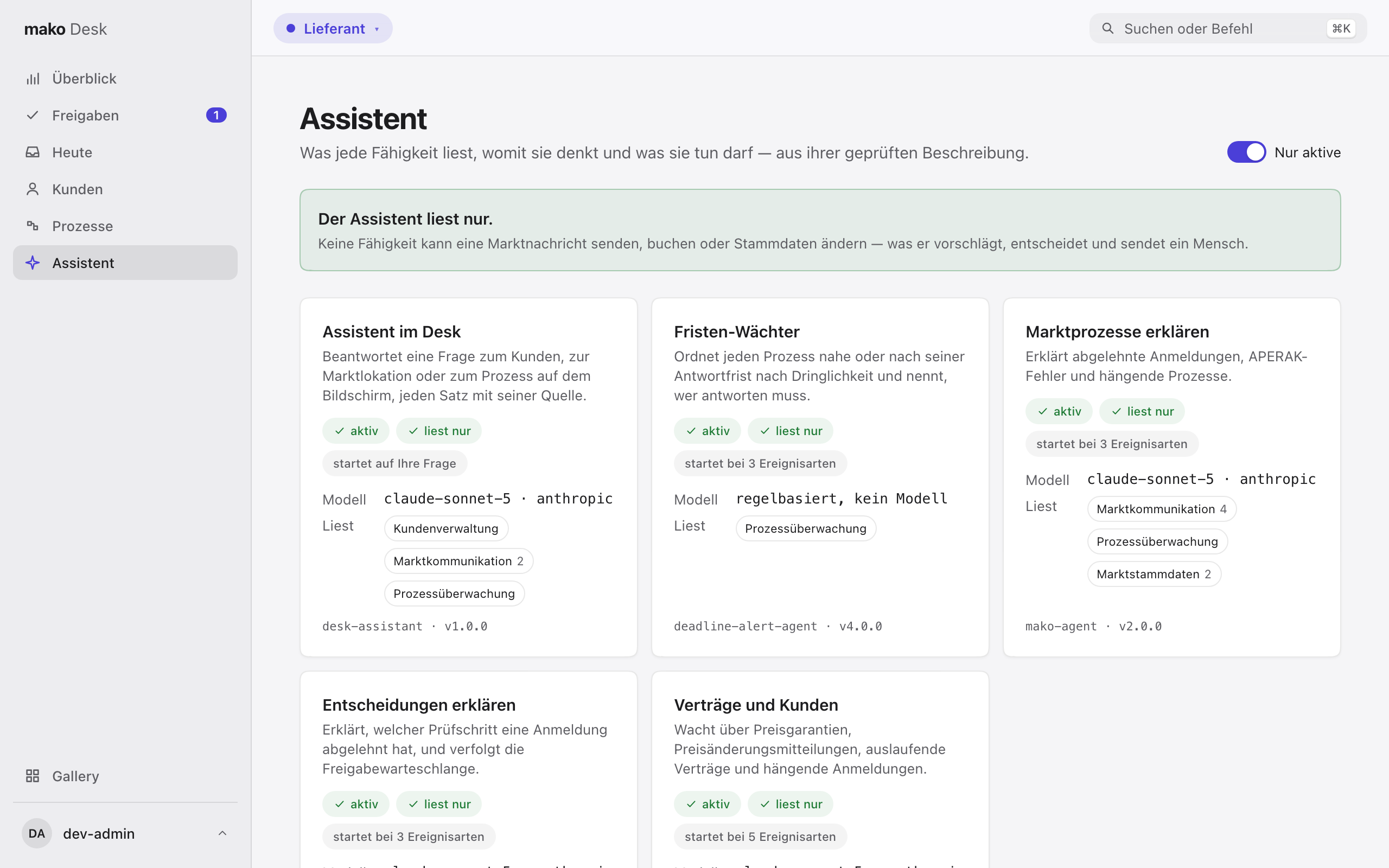
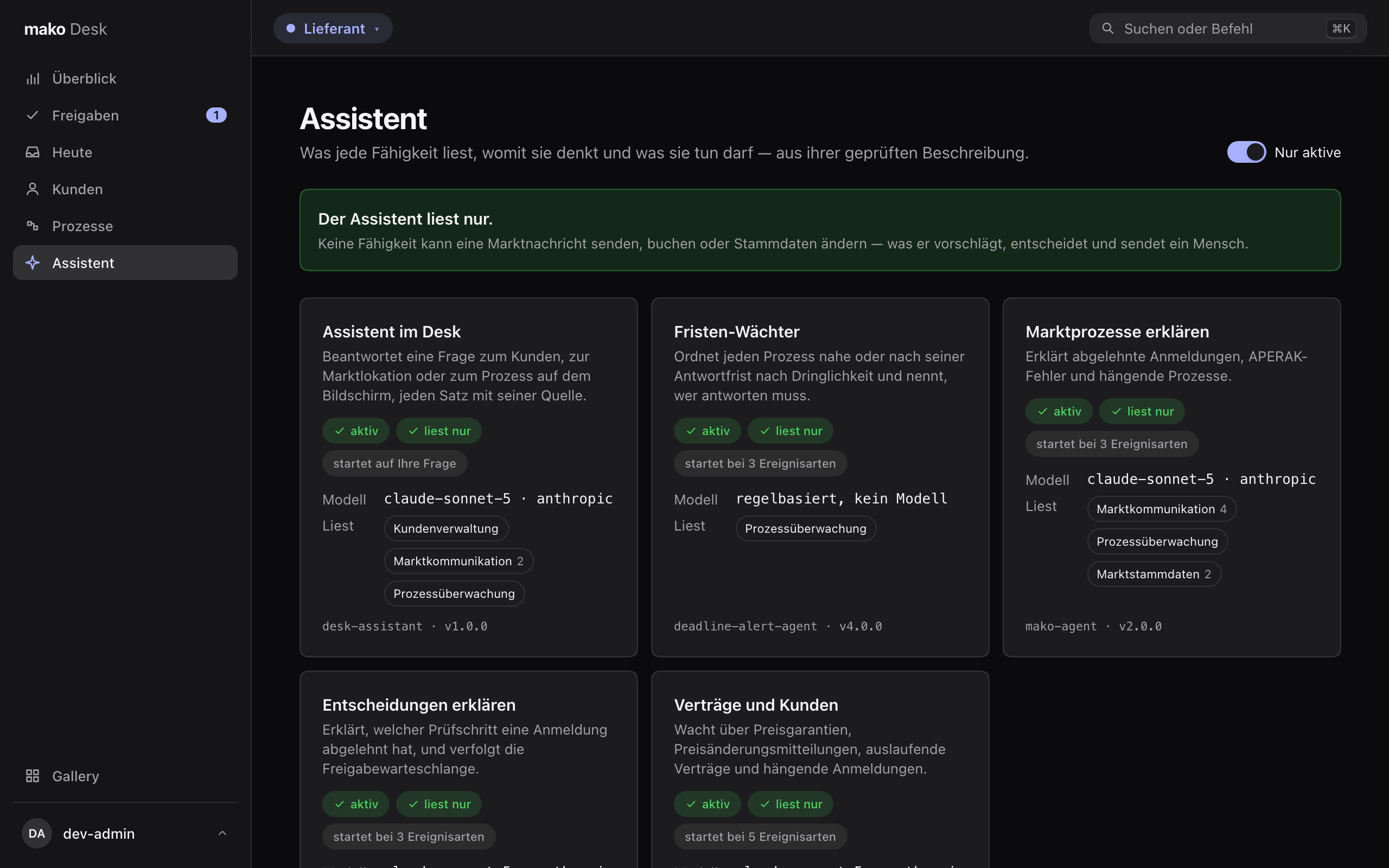
Assistent in the sidebar is each skill's package leaflet, read off the reviewed description agentd runs: what it is for, whether it is active here, what starts it — a question or an event — which model it uses or that it uses none, and which services it may read, each tool's reason on hover. Every skill only reads: none can send a market message, book or change master data.
Freigaben
Some answers the Prozessüberwachung does not send on its own: an Anmeldung of an affiliated supplier held for a person, or a case its Entscheidungsbaum could not settle. Freigaben lists them for the Rolle you wear, the earliest Frist first; the sidebar shows how many wait.
Each opens with its reason and its Frist. A held answer says which Antwortcode it will send; an open one asks you for the code, and the form offers only the codes its Entscheidungsbaum defines, each with its published wording. The process's Verlauf is beside it. Every decision sends a market message, so the Desk asks once more before it goes, and it is recorded under your name.
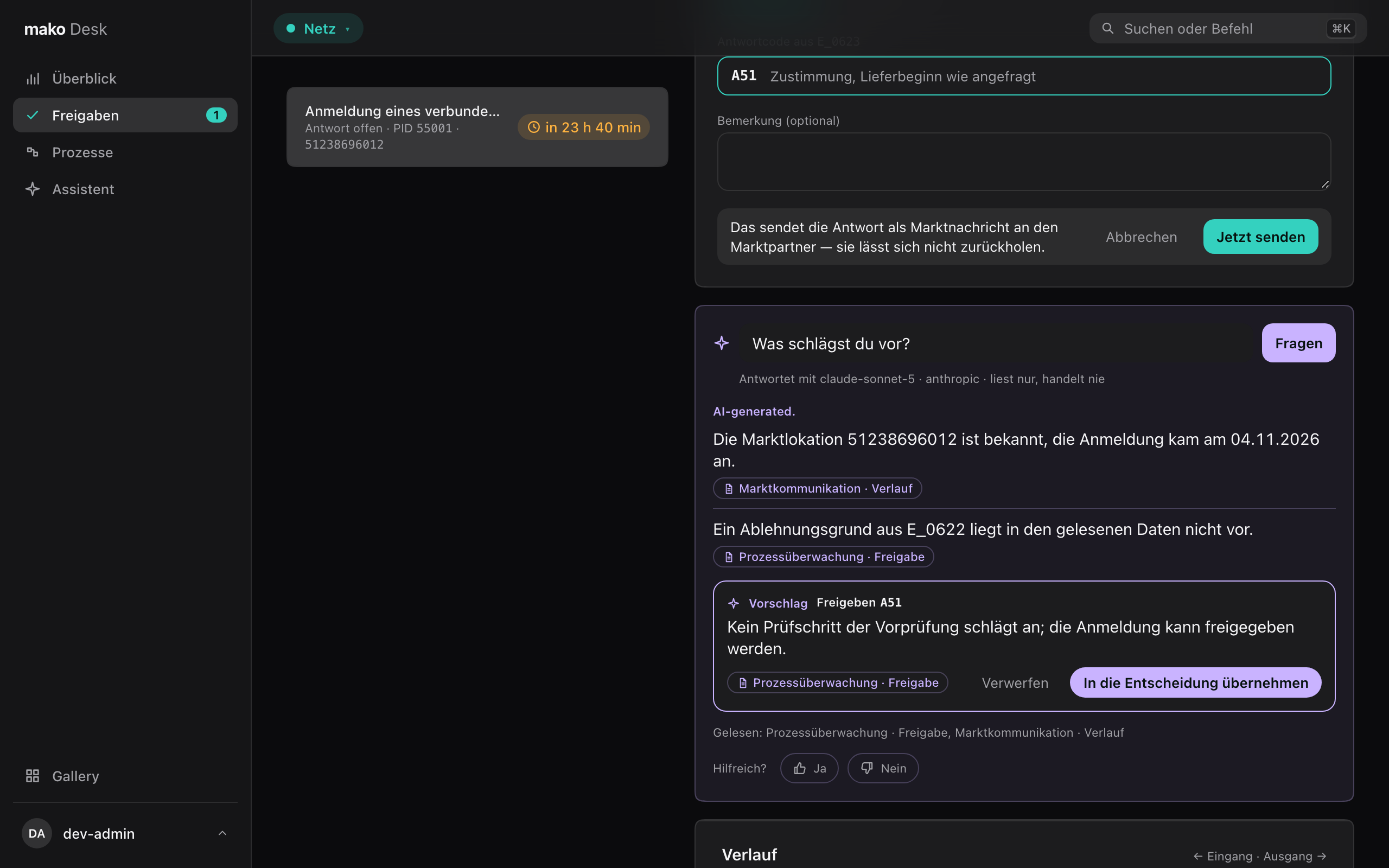
Ask the assistant „Was schlägst du vor?" and it may propose a decision — an action, a code and one sentence why, checked like every sentence it writes. „In die Entscheidung übernehmen" fills the form and sends nothing; you check it and send it yourself. Whether you sent the proposal as it was, changed it or dismissed it is kept beside the assistant's run, which is how its proposals are measured.
Überblick
A few numbers per role for whoever answers for it — each one as its service returns it, never a share or sum the Desk works out, and each tile opens the list it counts. A tile turns red only where the service marks a breach; a number the service capped shows as a floor („500+").
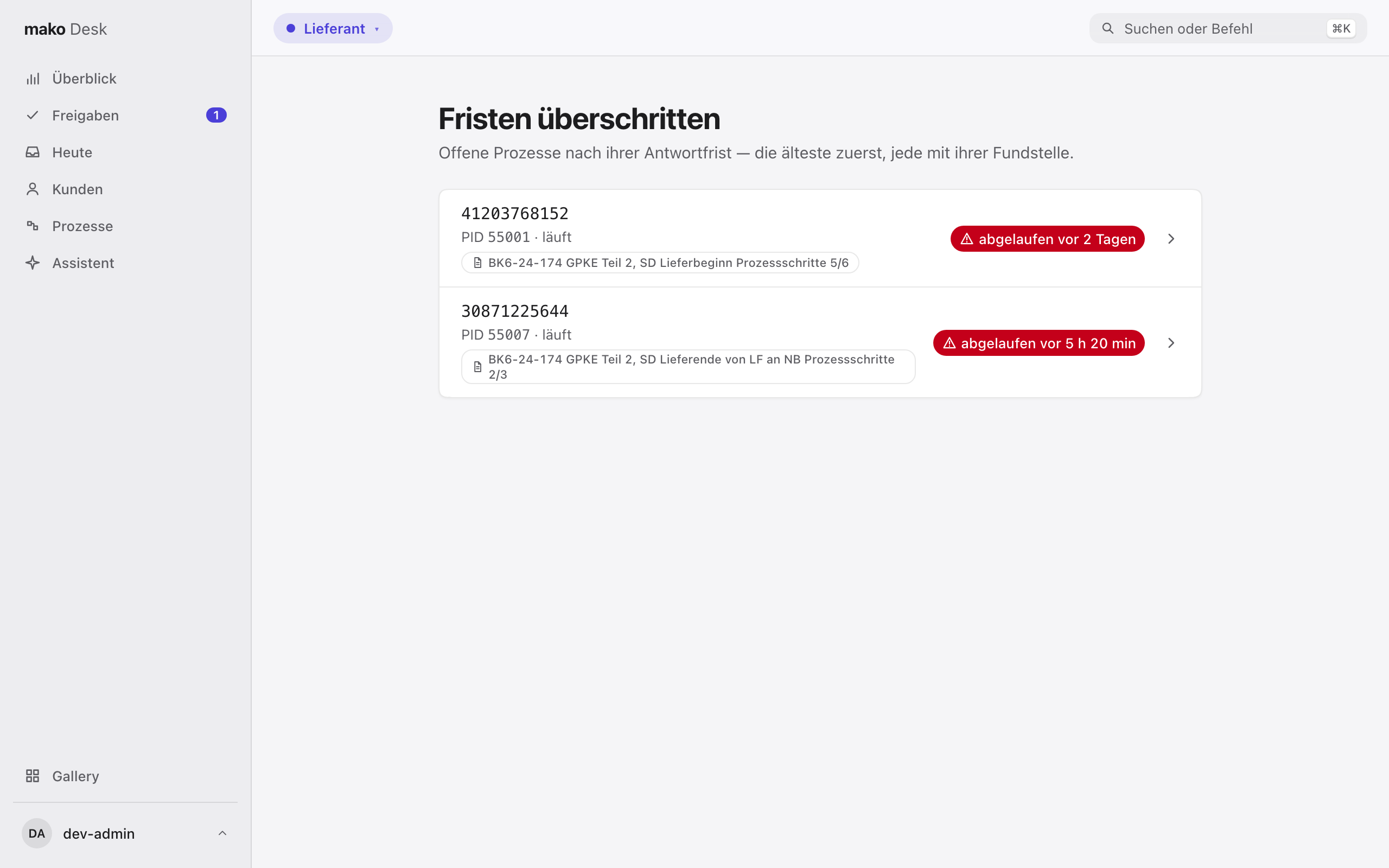
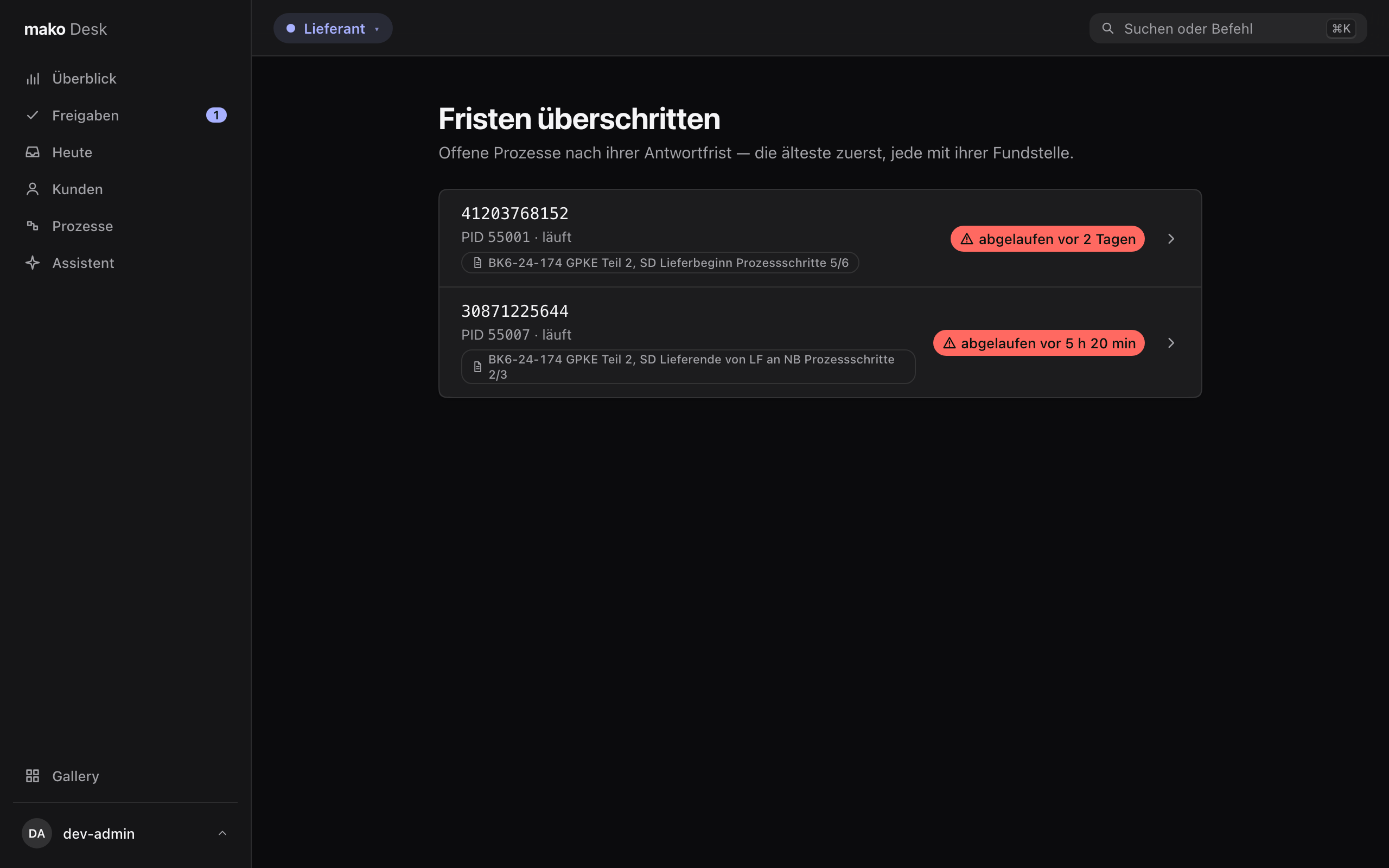
Fristen überschritten lists every open process past its Antwortfrist, as the Prozessüberwachung has it, each with the Festlegung its deadline came from.
Heute
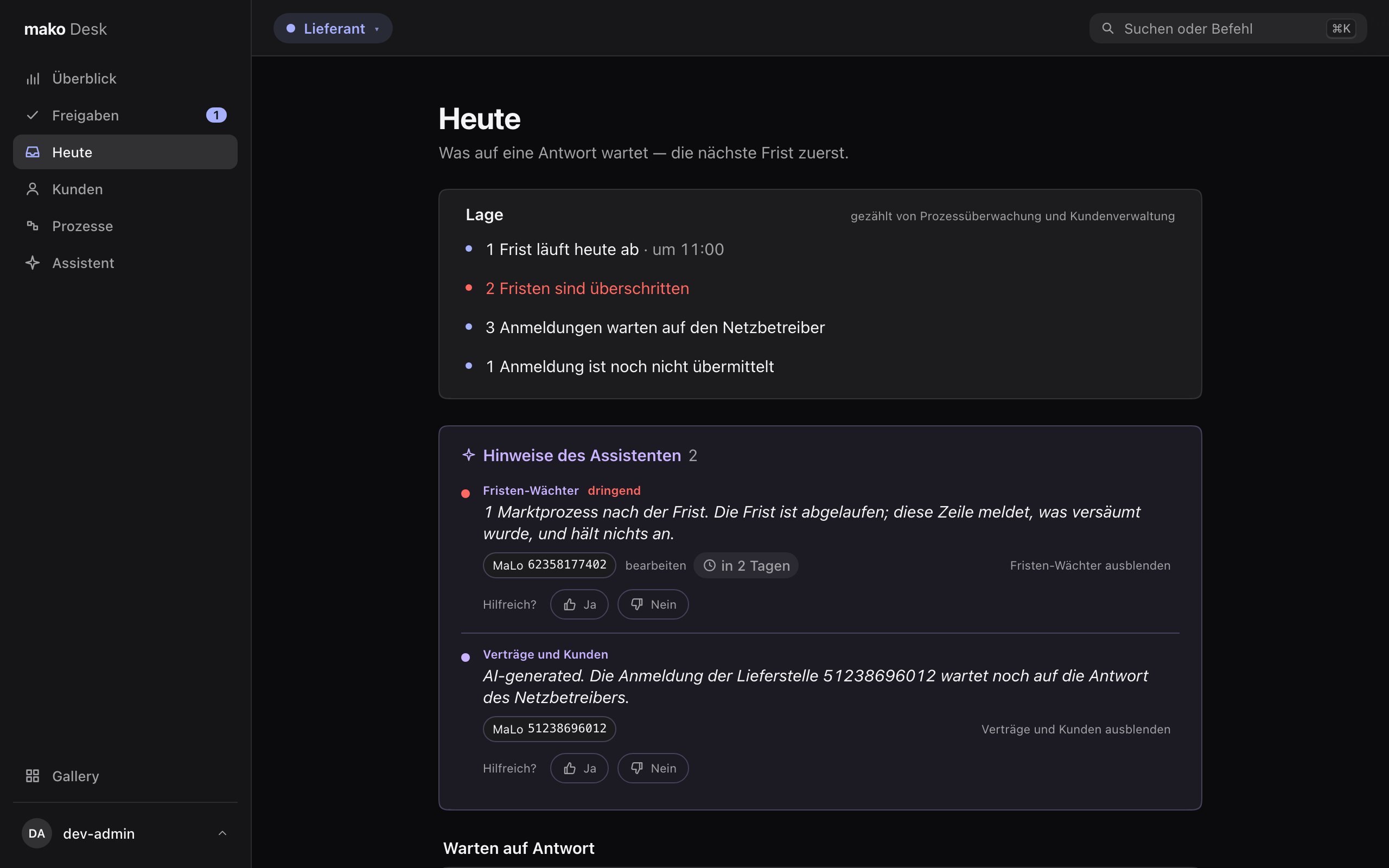
Wearing Lieferant, the Desk opens on Heute. On top is the Lage, the day in a few lines: how many Fristen end today and the earliest one's time, how many are already overdue, how many Anmeldungen wait and how many are not yet sent. Every figure is the Prozessüberwachung's or the Kundenverwaltung's own count — no model writes the Lage — and each line opens the list it counts.
Below it, every Anmeldung waiting for the Netzbetreiber, the one whose Frist runs out first on top — the Prozessüberwachung sorts them, fifty at a time, so the most urgent is on top however many are open. Below, the Anmeldungen no process carries yet, with the Kundenverwaltung's count.
Heute stays fast at any size: a page costs one read for the order and one for its names, never a request per row.
The Lieferant starts from the customer
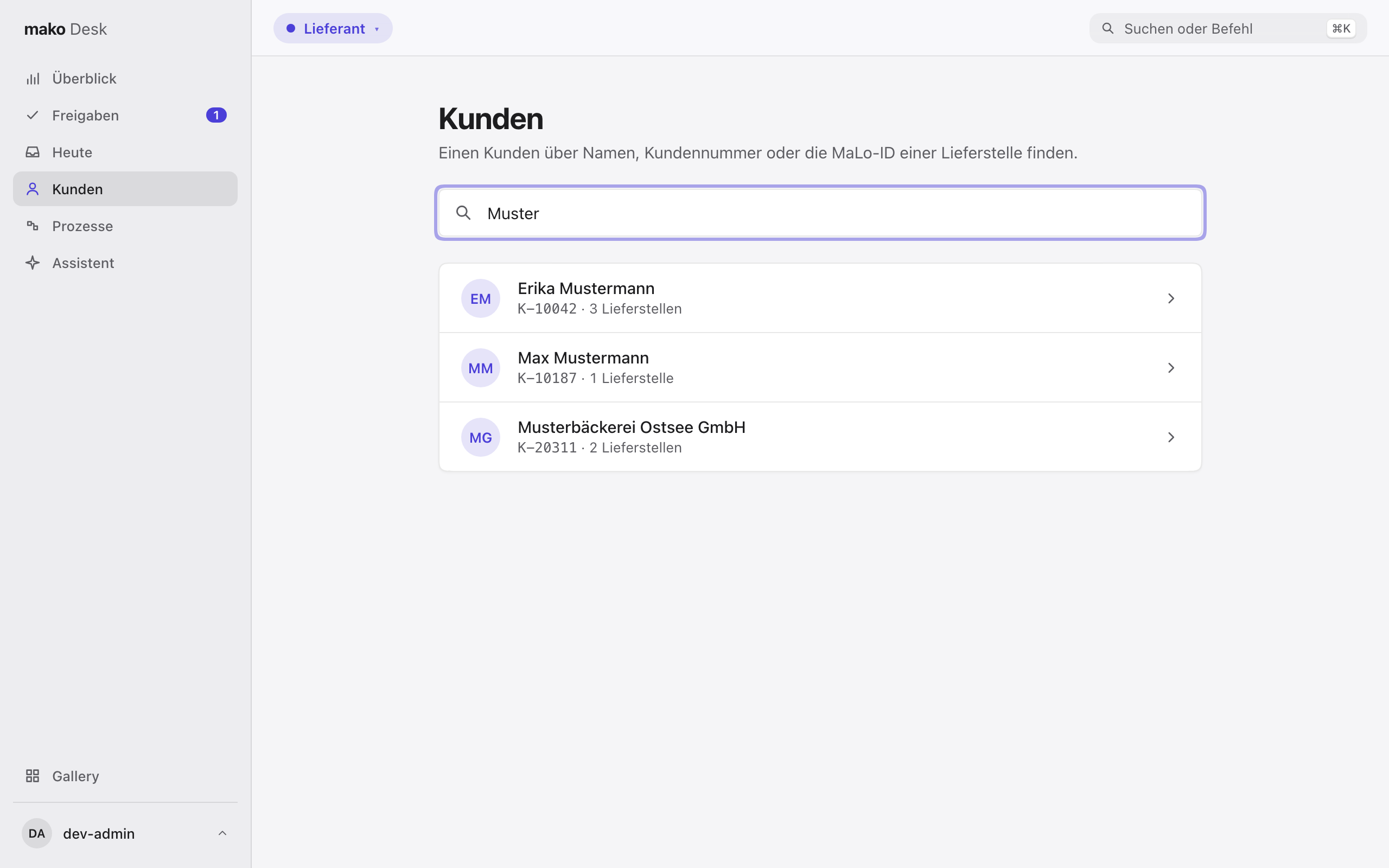
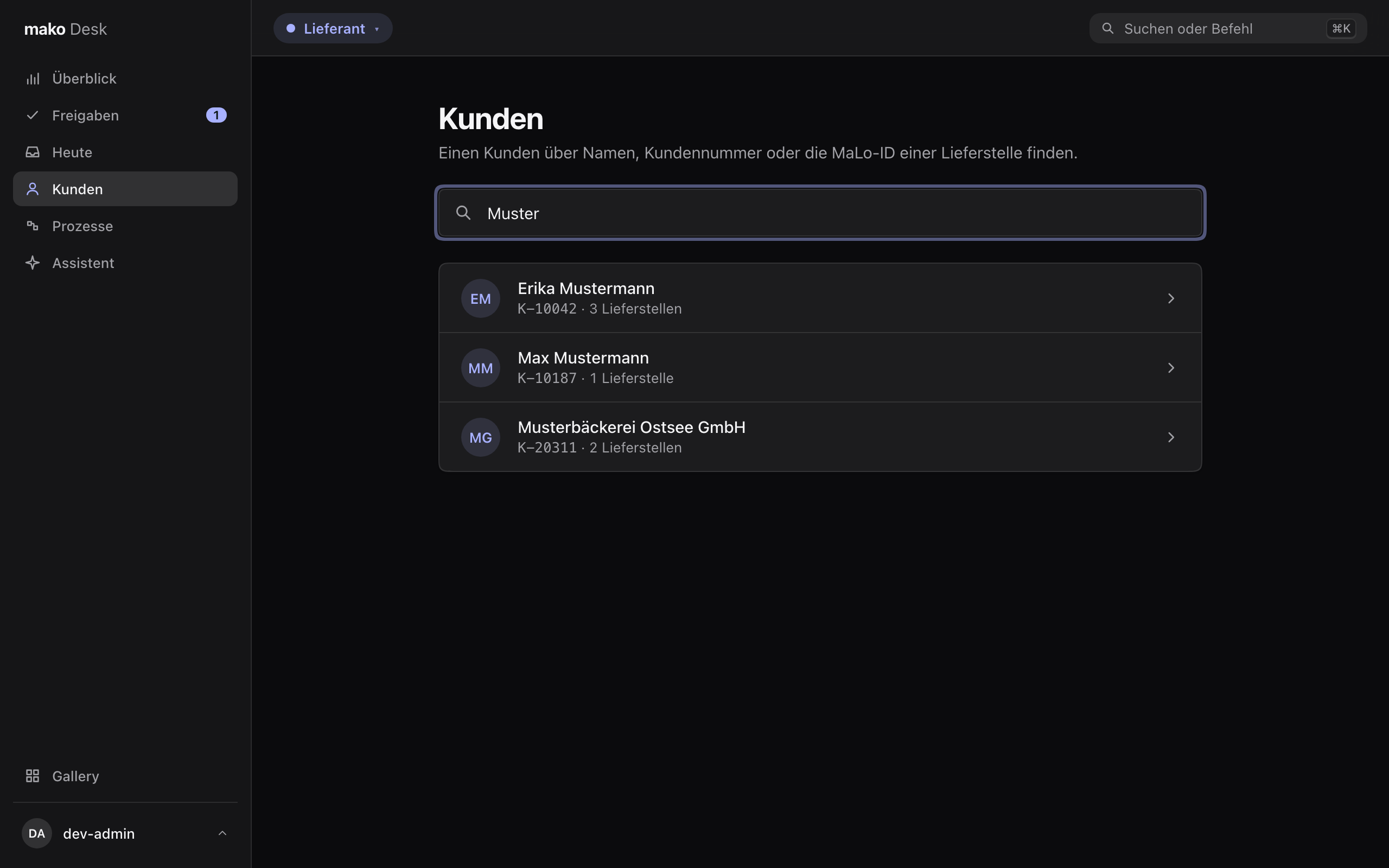
Kunden finds a customer: type the start of any word of a name, a Kundennummer or the MaLo-ID of a Lieferstelle, and the Kundenverwaltung answers from an index as you type — at most 20 customers; nothing is searched in the browser.
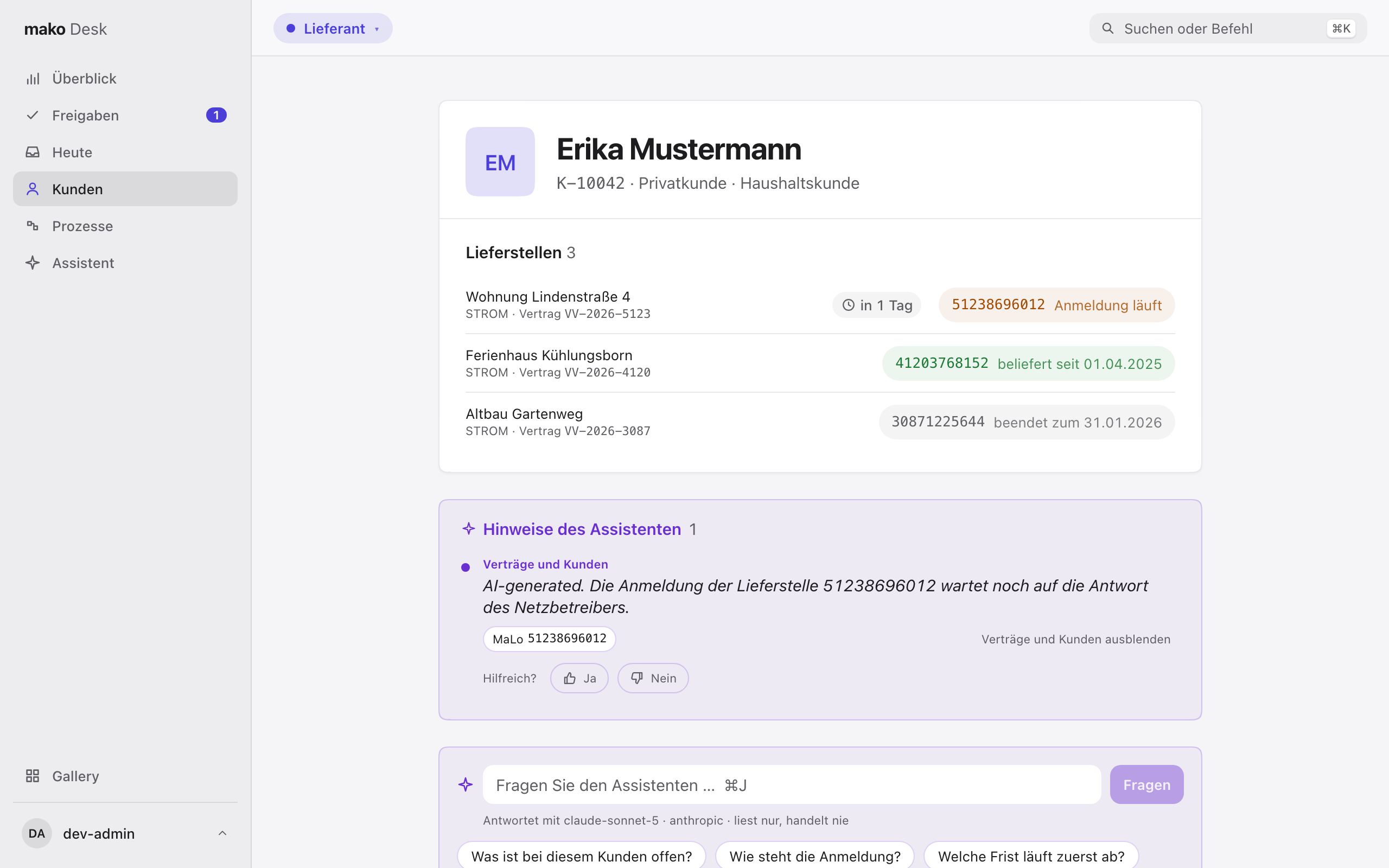
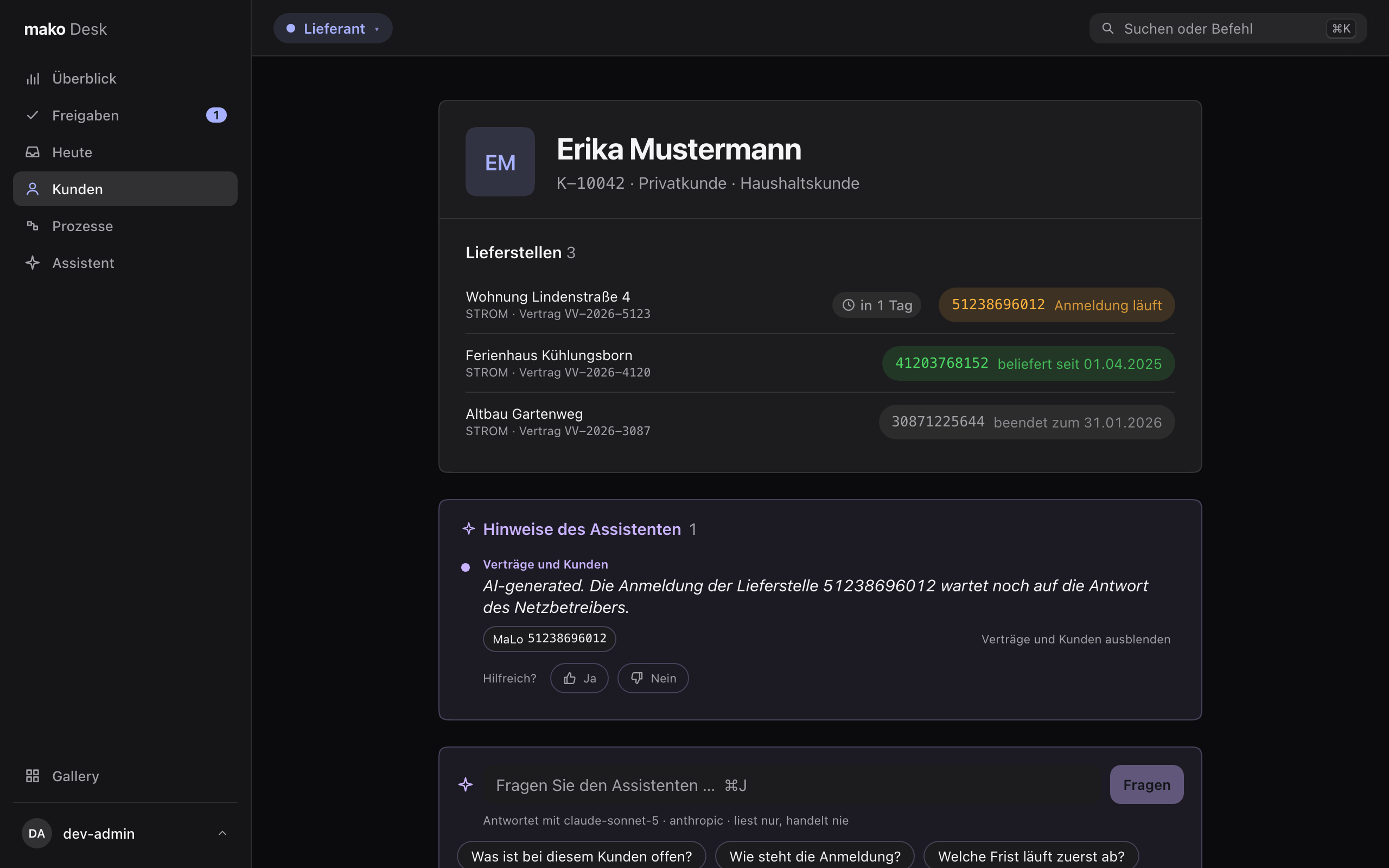
A customer shows its Lieferstellen, newest first, with the state of its supply — Anmeldung läuft, beliefert seit, beendet zum — and, where a process runs, the Frist-Uhr of its earliest deadline, all from one read. A customer with more than 200 shows the newest 200 and the total; ⌘K finds any other by its MaLo-ID. Each opens the processes of its MaLo. Payment data is not part of the view.
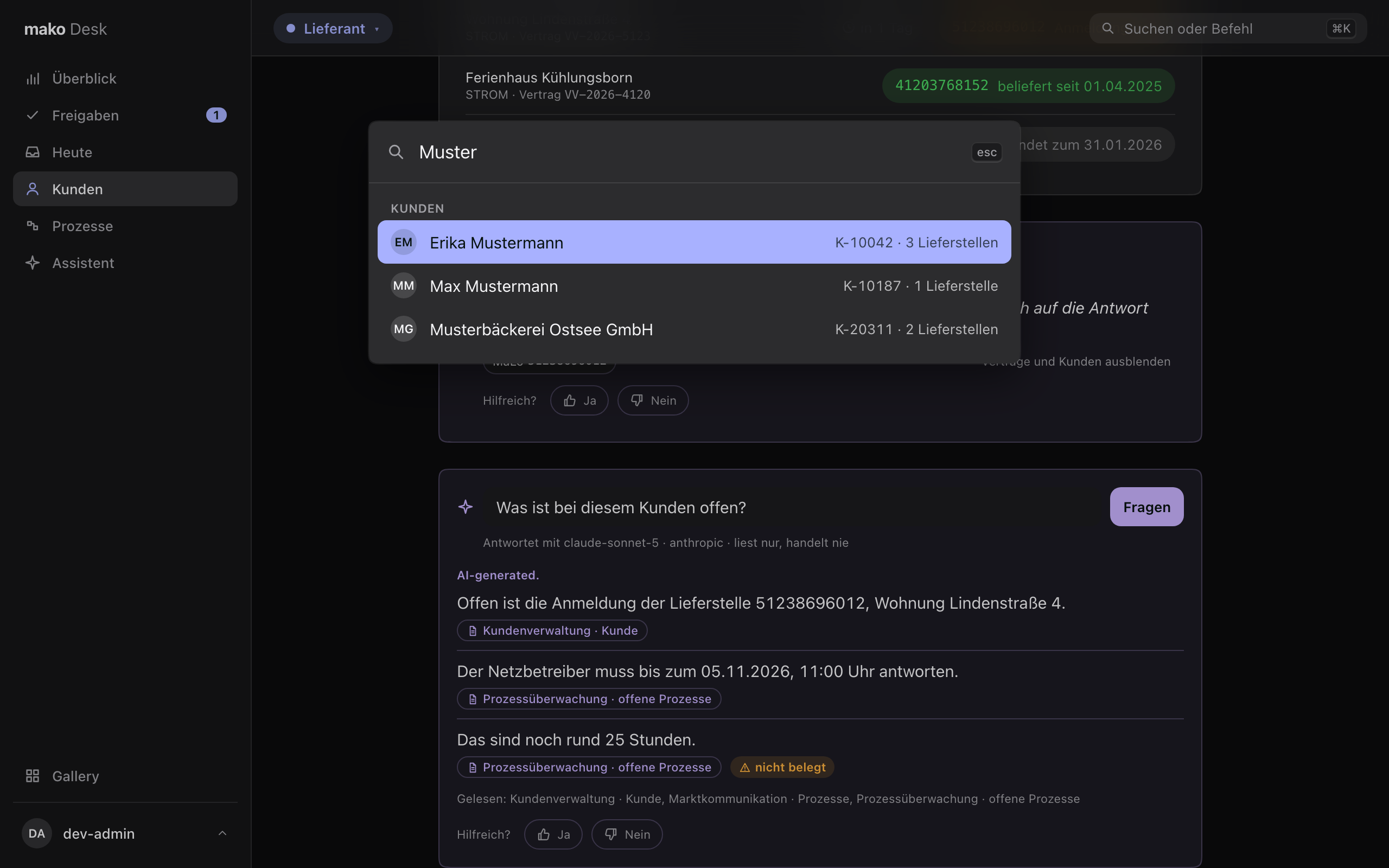
⌘K finds customers too:
One role at a time
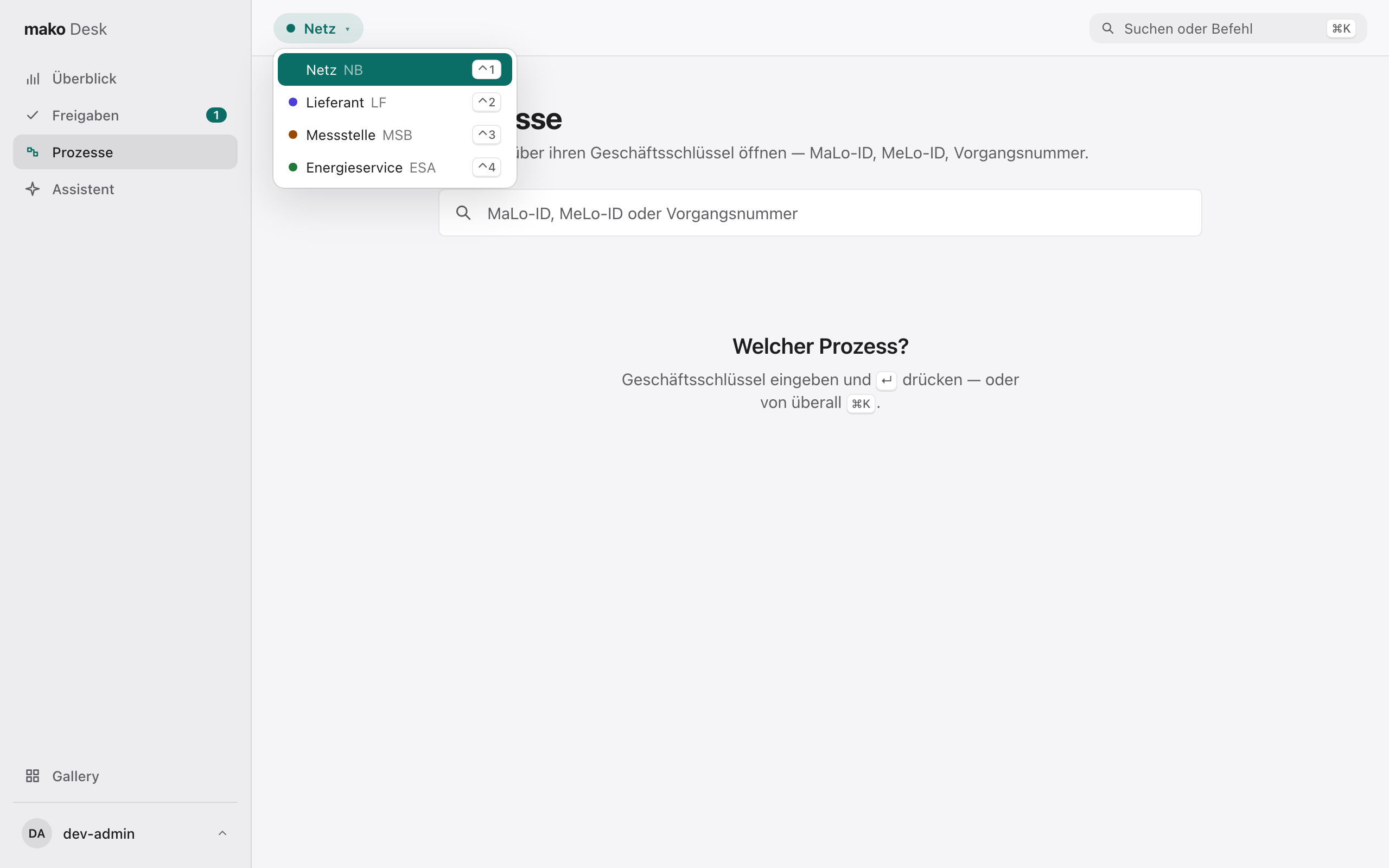
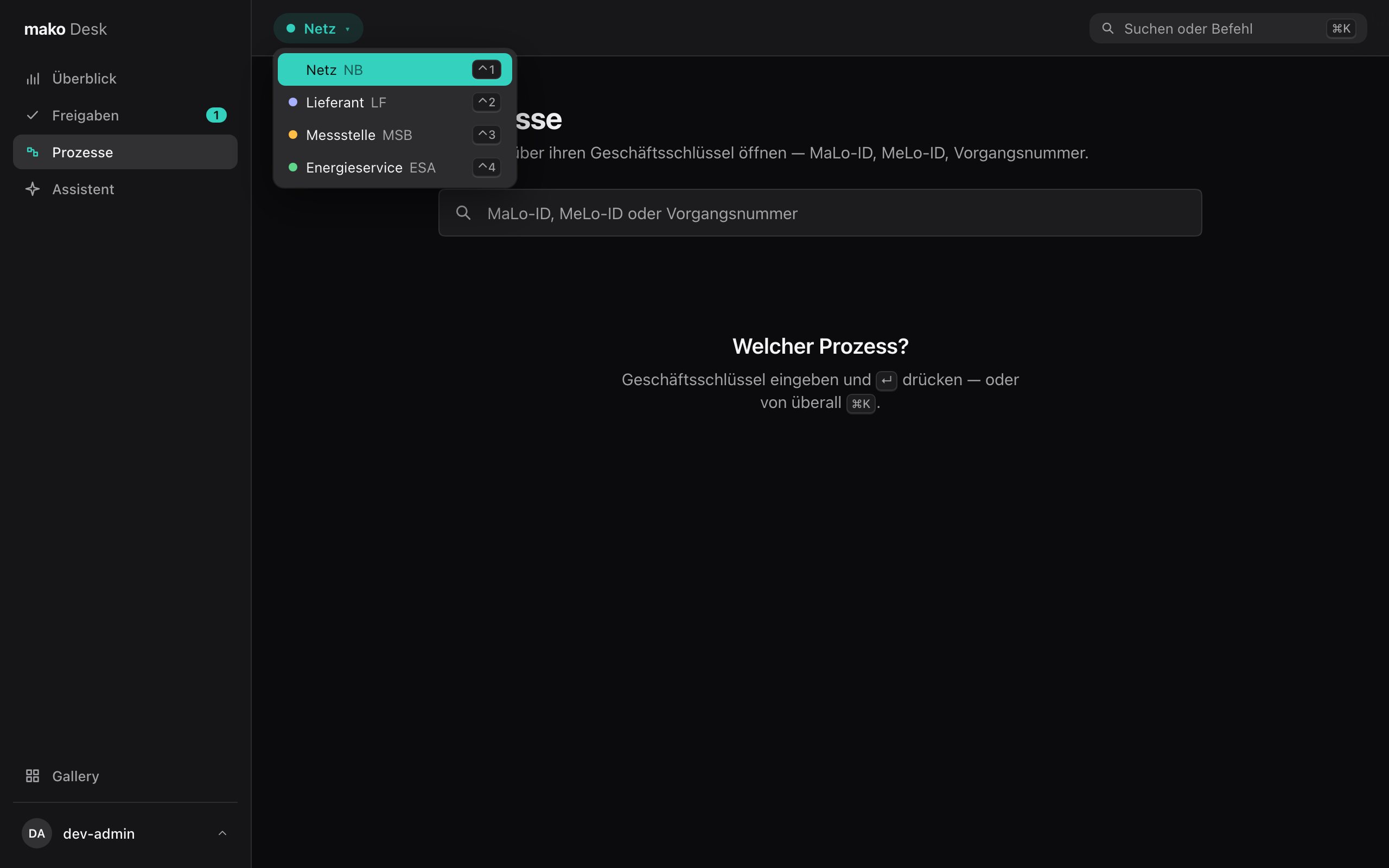
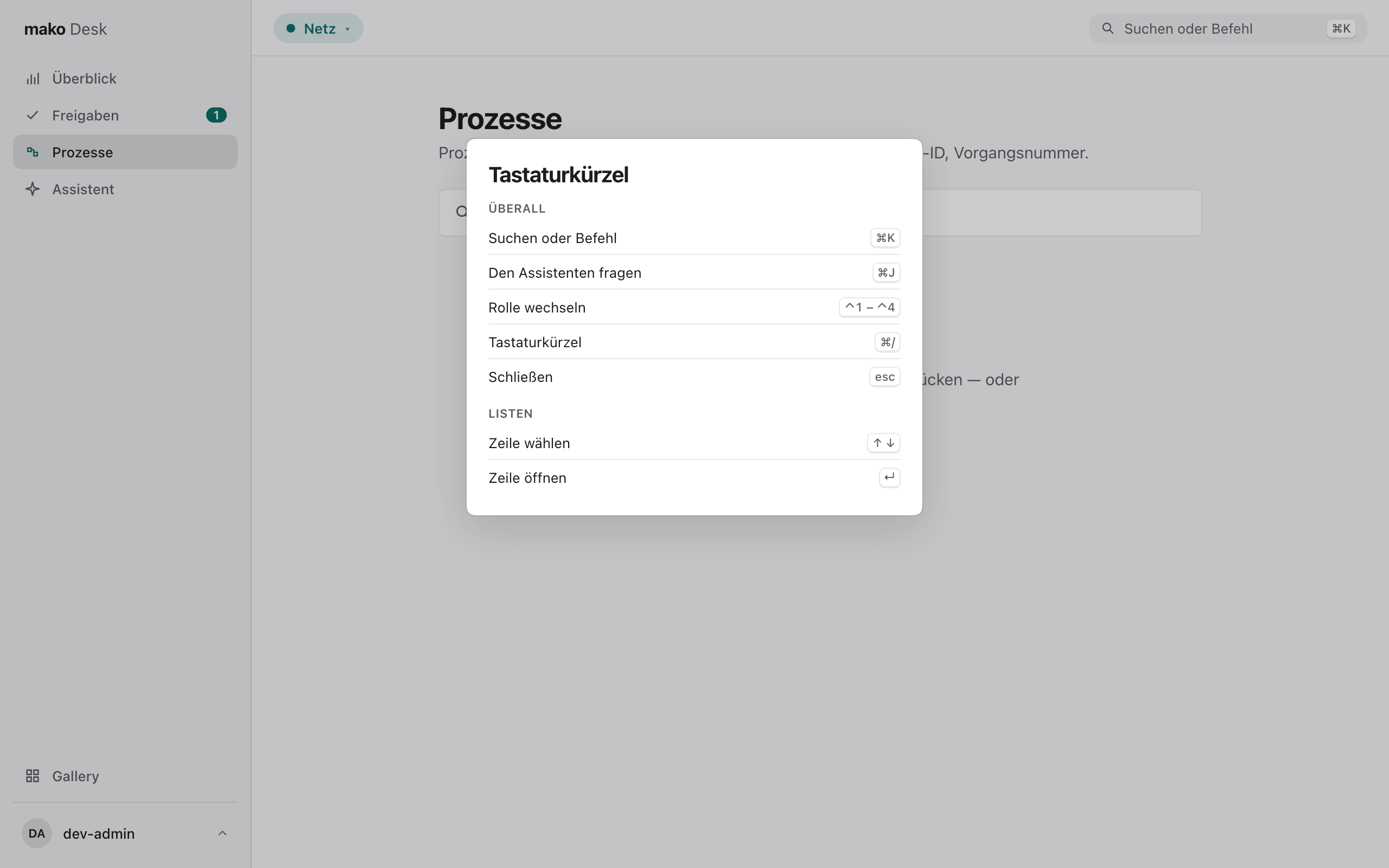
Holding several market roles, a person wears one at a time — Netz (NB), Lieferant (LF), Messstelle (MSB), Energieservice (ESA) — in the toolbar or with ⌃1–⌃4. Each has its own accent and start page; switching shows no data of the role left. What a role may read is each service's Cedar policy.
You and your keys
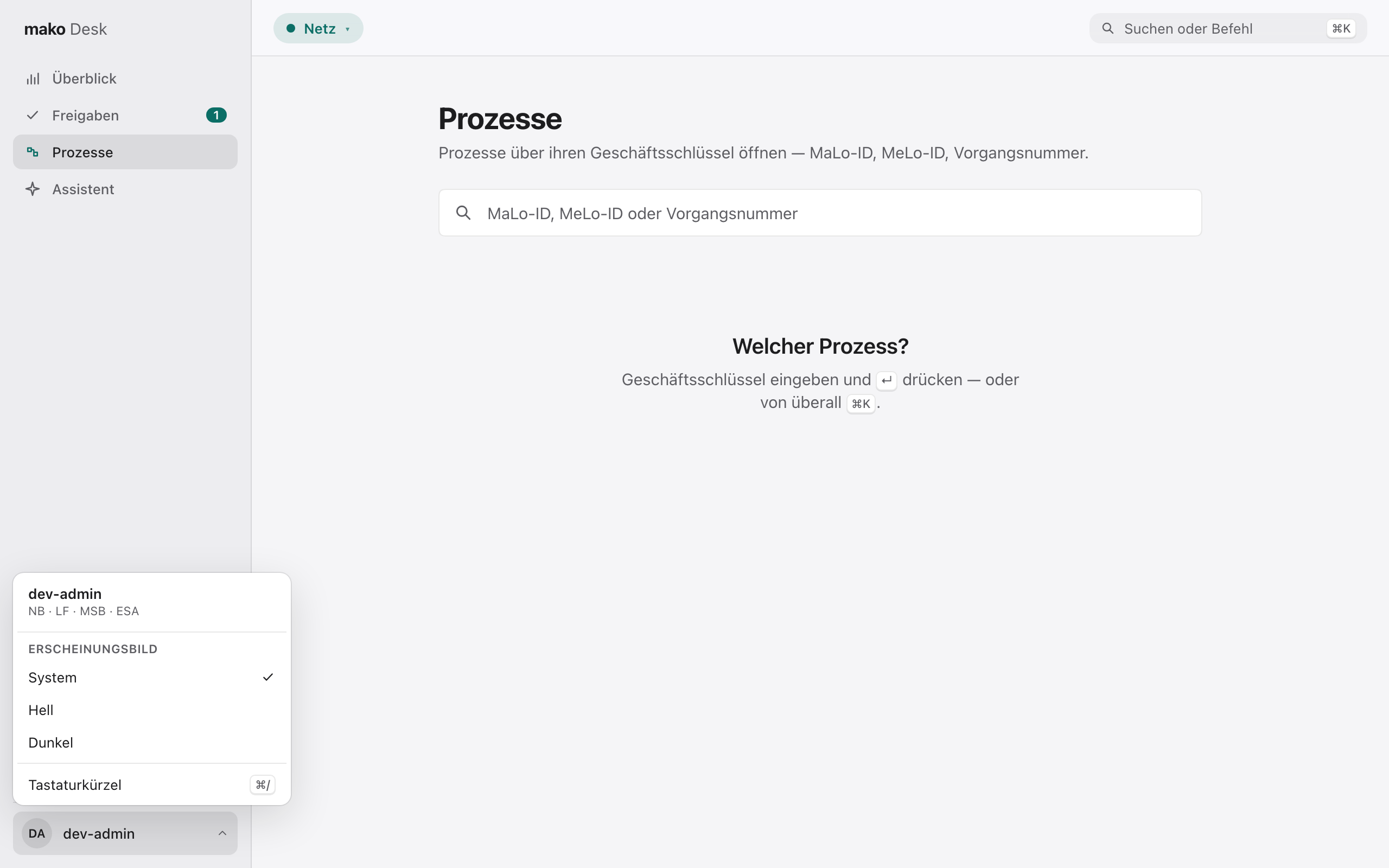
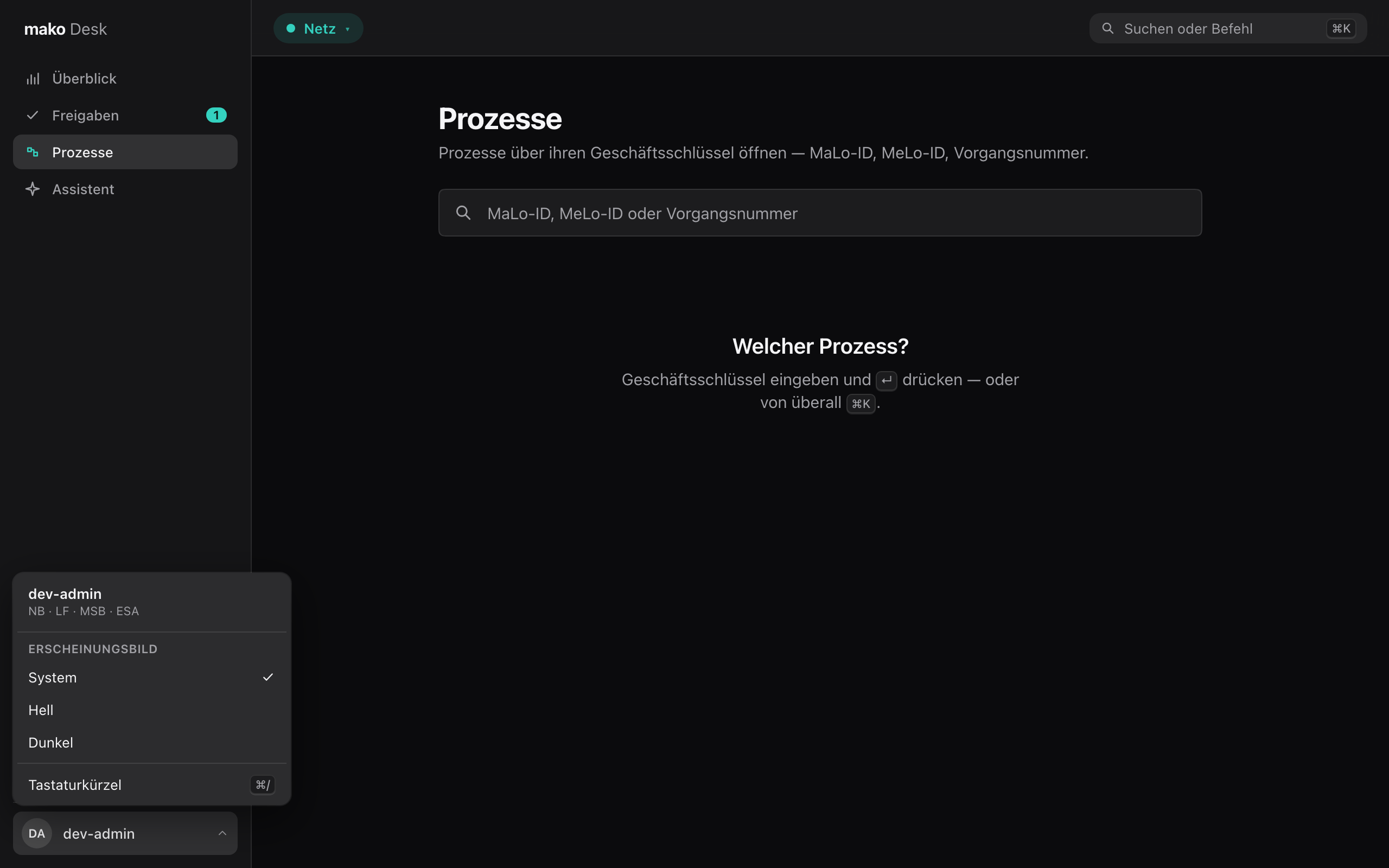
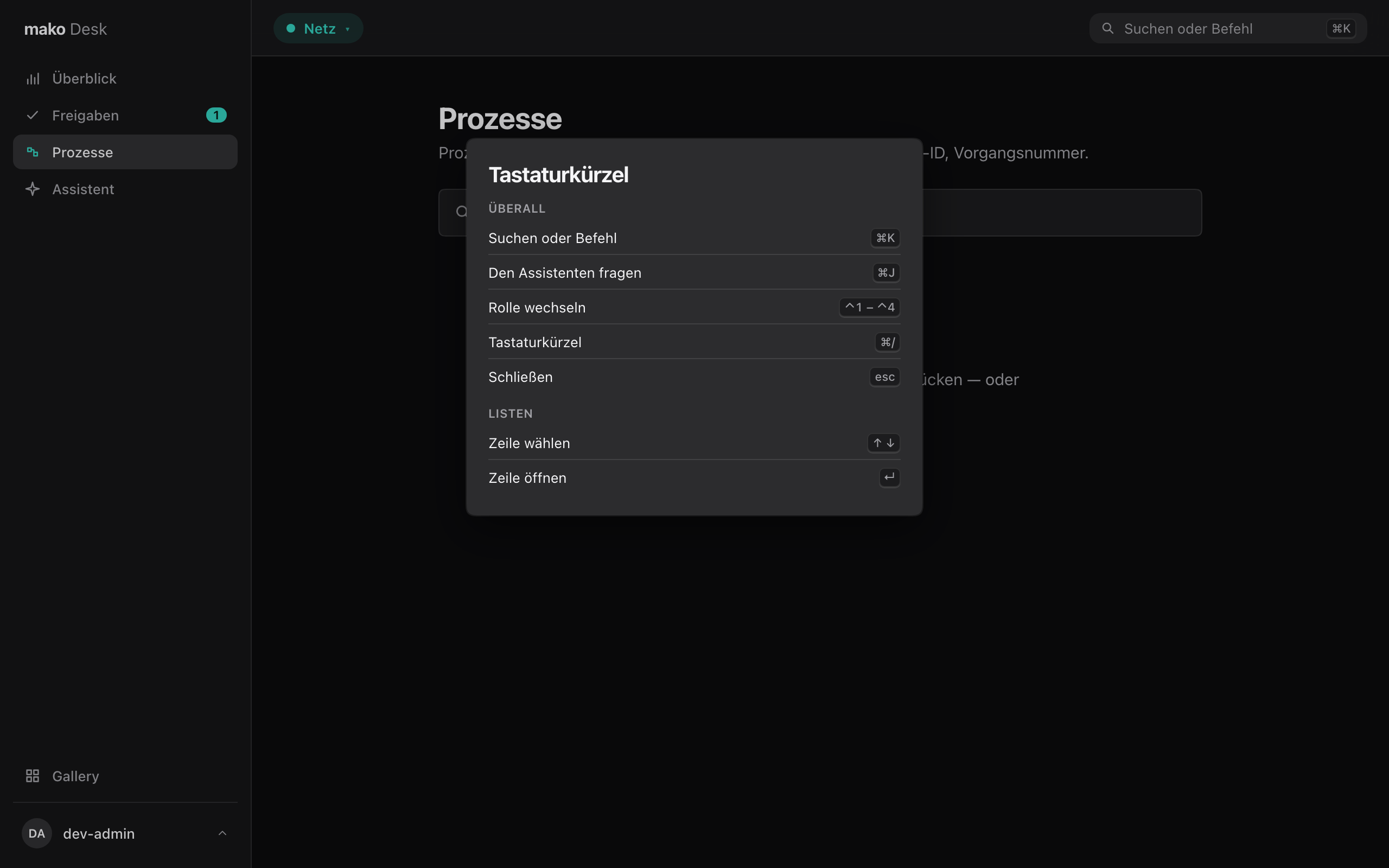
Your name sits at the foot of the sidebar. Its menu shows the market roles you hold and sets the appearance: System, Hell or Dunkel, kept in this browser. ⌘/ lists every key the Desk answers to, from anywhere.
What the Desk will not do
- Compute a Frist, Werktag, amount or verdict — every one on screen is the service's.
- Round an amount or shift a date — both stay exactly as the service sent them, in Berlin time.
- Show data it cannot type — a view reads only tools whose answer has a declared shape.
The design system
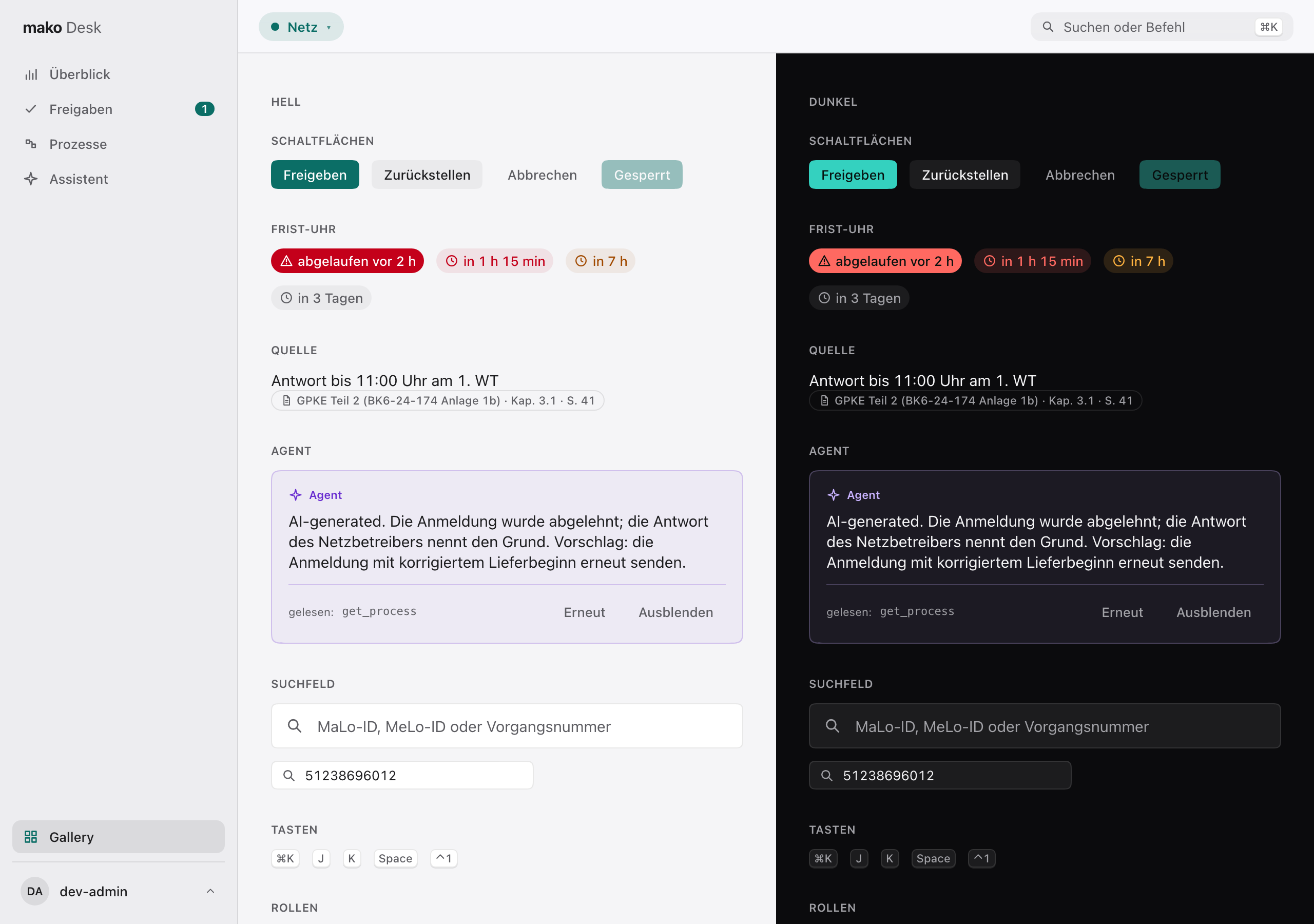
/dev/gallery (development builds) shows every control in every state, light
and dark side by side — the page a design change is reviewed on.
For developers
| Command | What it does |
|---|---|
just desk | makod + the Desk with hot reload |
just desk-gen | refresh services/*/mcp.snapshot.json and regenerate the Desk's types |
just desk-check | generated types current, tsc, Biome, Vitest — part of just ci |
just desk-screenshots | regenerate the screenshots on this page |
cargo xtask check-desk holds the first two rules, and each service's
mcp.snapshot.json the third. The screenshots are produced by
desk/scripts/screenshots.ts: Vite serves the
Desk, makod's answers are recorded responses in the schema makod declares, the
browser clock is fixed and the zone is Europe/Berlin, so every run draws the
same pictures. desk/AGENTS.md holds the rules for working on the Desk.